After One Click: What ClawBud Deploys for Your OpenClaw Agent Army
· ClawBud editorial team
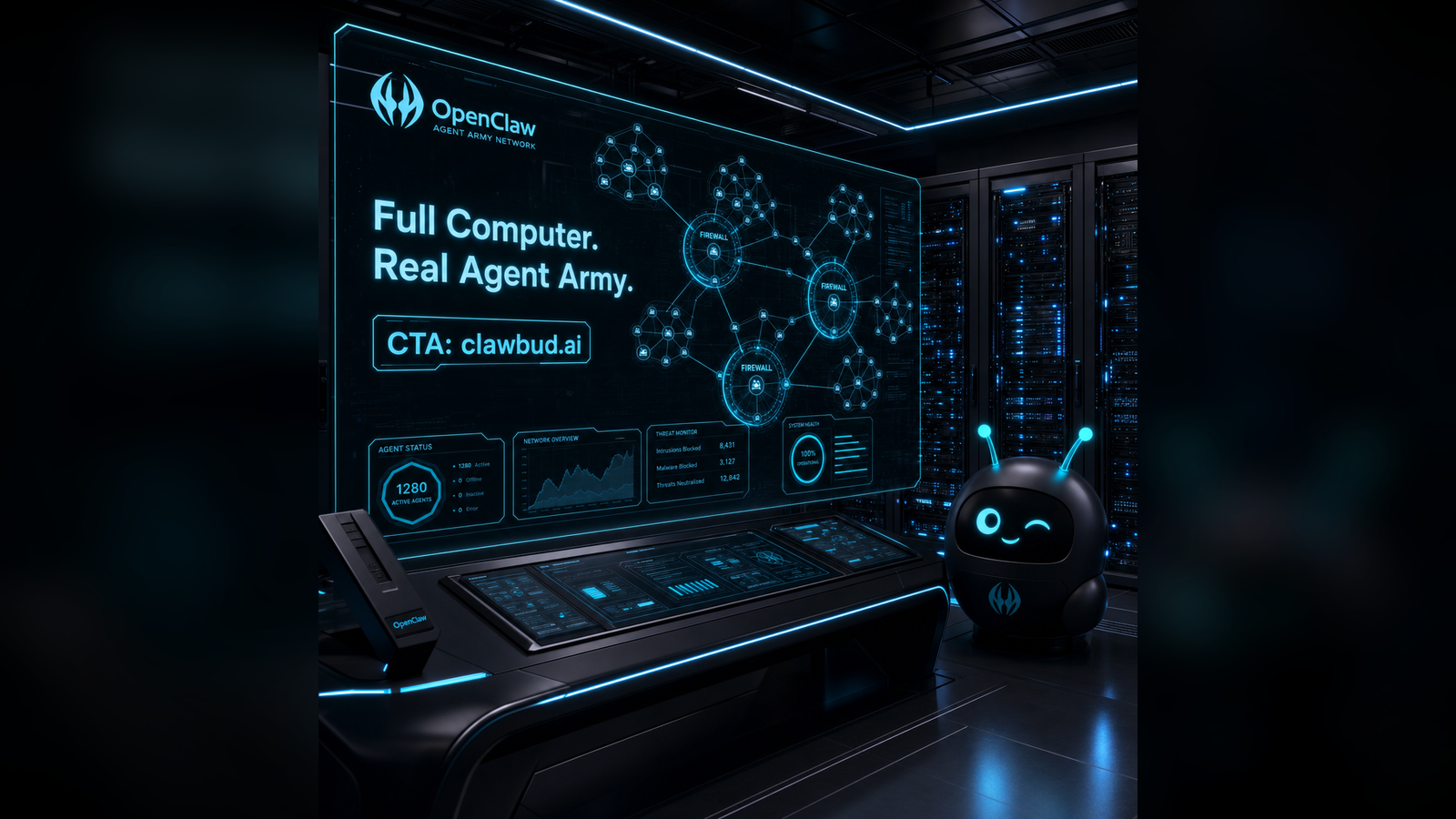
Starting a managed runtime is the first step. Before connecting live systems, check the account environment, tool permissions and recovery process.
ClawBud starts somewhere else: with ownership.
ClawBud provides a private cloud computer per account. Agents in an account can share its VM, gateway, tools and provider credentials. Separate workspaces and conversations do not by themselves provide a security boundary. Additional managed isolation applies only where it is explicitly enabled.
That sentence matters because the next wave is not about better replies. It is about agents that can use tools, open browsers, remember context, run code, connect channels, and coordinate tasks.
That is why ClawBud is built around OpenClaw. OpenClaw gives the agent runtime. ClawBud gives it a managed home, a dashboard, a dedicated computer, a real browser, integrations, support, and the security boundary a serious business needs.
What happens after you click start
When you start with ClawBud, the product is not just creating an account in a shared app.
ClawBud provisions a private dedicated computer for your agent environment. That computer becomes the base for your OpenClaw setup, your tools, your channels, your browser, and your agent workflow. You do not need to open a terminal, choose packages, configure Linux, wire up a firewall, or learn how OpenClaw services fit together.
The point is simple: you get the outcome without the setup tax.
A normal self-hosted OpenClaw install asks you to think like an infrastructure operator. ClawBud asks you what kind of agent army you want to run.
Start here: ClawBud homepage.
A full computer changes what an agent can do
Check persistent storage, browser sessions, resources and access policy in the deployment you intend to use.
Real work needs a place to happen.
A workflow may need persistent files, browser state, credentials and background tasks. These require deliberate configuration on both container and VM deployments.
ClawBud gives each customer a full computer because agents need room to operate.
That dedicated computer becomes the workspace where OpenClaw can run properly. It supports browser-based work, code execution, automations, channel integrations, and long-running tasks. More importantly, it gives the agent a stable environment that belongs to you.
A private account VM can still run on shared physical infrastructure. Standard agents in that account share its VM and gateway. Verify resource limits and concurrent workloads rather than assuming physical exclusivity.
OpenClaw is the runtime, ClawBud is the managed home
OpenClaw is the engine that lets agents use tools, skills, memory, browser control, files, and communication channels. It is the part that turns a model from a text generator into something closer to an operator.
ClawBud does not hide OpenClaw. It puts OpenClaw in the center and makes it easier to run.
That distinction matters.
Compare the execution location, connected identity, available tools and operating duties of the specific product. An interface label alone does not establish what it can do.
You still get access to code agents and CLIs where they make sense. Claude Code, Codex, Gemini CLI, OpenCode, and similar tools are useful when the job is development. They are sharp tools for building, debugging, and editing.
But code agents are not the whole army.
An autonomous agent is broader. It can watch messages, use a browser, remember business context, route tasks, trigger workflows, and hand off to specialist agents. Code agents are soldiers for software tasks. Autonomous OpenClaw agents are operators for business tasks.
ClawBud is built for both, but it does not confuse them.
Why the dedicated firewall is not a small detail
If an agent can use tools, it needs boundaries.
That is not fear. That is basic engineering.
Standard ClawBud agents share the account VM, gateway, tools and provider credentials. Additional managed isolation is restricted to approved accounts through the customer API. Verify the network and tool controls available for the account.
This is especially important for businesses. If your agent connects to Telegram, WhatsApp, Gmail, CRM data, files, or internal workflows, the question is not whether it can act. The question is whether it can act inside boundaries you understand.
That is the difference between an agent you test and an agent you trust.
Read more about the product direction on the ClawBud blog.
The browser is where the work gets real
A lot of modern work still happens in browser tabs.
Dashboards. CRMs. Admin panels. Google tools. Support inboxes. Internal apps. Forms that still need to be opened, checked, and submitted.
That is why browser access is not a bonus feature for OpenClaw agents. It is part of the job.
ClawBud gives agents a dedicated browser environment and lets users watch the agent when needed. That changes the relationship between human and agent. You are not just reading a transcript of what the agent claims it did. You can see the work surface.
For many teams, that is the moment the product clicks.
A browser tool can perform permitted actions in a configured session. Verify the final destination state before reporting the workflow complete.
One army, multiple specialists
The phrase agent army is not decoration.
A useful business agent setup rarely stays as one general-purpose helper forever. You may want one agent focused on support, another on research, another on code, another on CRM updates, another on content operations, and another on internal automation.
ClawBud is moving toward that structure: one cloud-native agent army, owned by the customer, running on a dedicated computer, managed from one dashboard.
Hermes is an independent runtime from Nous Research with its own tools, memory and delegation. Confirm each runtime’s availability and use an explicit handoff when work crosses between them.
The stack works because the roles are different.
If you only need a code assistant, a CLI may be enough. If you want a business operator that can live in channels, use tools, remember context, browse, and coordinate work, you need more than a CLI.
You need an environment.
Start with ClawBud
ClawBud is your own cloud-native agent army.
ClawBud manages supported OpenClaw setup on a private account computer. Confirm the tools, browser and channel connections needed for the first workflow.
The short version is this: if you want to experiment with prompts, use a chatbot. If you want an agent army that can actually work, give it a full computer and proper boundaries.
Start with ClawBud at clawbud.ai.
FAQs
Is ClawBud built on OpenClaw?
Yes. ClawBud is a managed platform for OpenClaw agents. OpenClaw provides the agent runtime, while ClawBud provides the managed dedicated computer, dashboard, setup flow, browser access, integrations, and support.
How is ClawBud different from a chatbot?
An assistant’s ability to act depends on its tools and permissions. ClawBud hosts OpenClaw for tool-driven workflows on the account computer; verify the actual connected accounts and controls.
Why does each customer need a full computer?
Autonomous agents need a stable place to run tools, store context, use a browser, handle files, and operate across channels. A full computer gives the agent a real workspace instead of a thin chat shell.
What is the dedicated firewall for?
Network restrictions limit reachable destinations when configured and enforced. Standard agents share the account VM and gateway; separate workspaces do not establish separate host boundaries.
Are code agents like Codex the same as autonomous agents?
No. Code agents and CLIs are best for software tasks like editing, debugging, and building. Autonomous agents are broader operators that can handle ongoing business workflows, channels, browser tasks, memory, and coordination.
Do I need technical setup skills to use ClawBud?
No. ClawBud is designed around one-click setup. You choose the plan and agent direction, and ClawBud handles the managed OpenClaw environment behind the scenes.