AI Agent CRM: A Practical Workflow for Contacts, Tasks and Review
· ClawBud editorial team
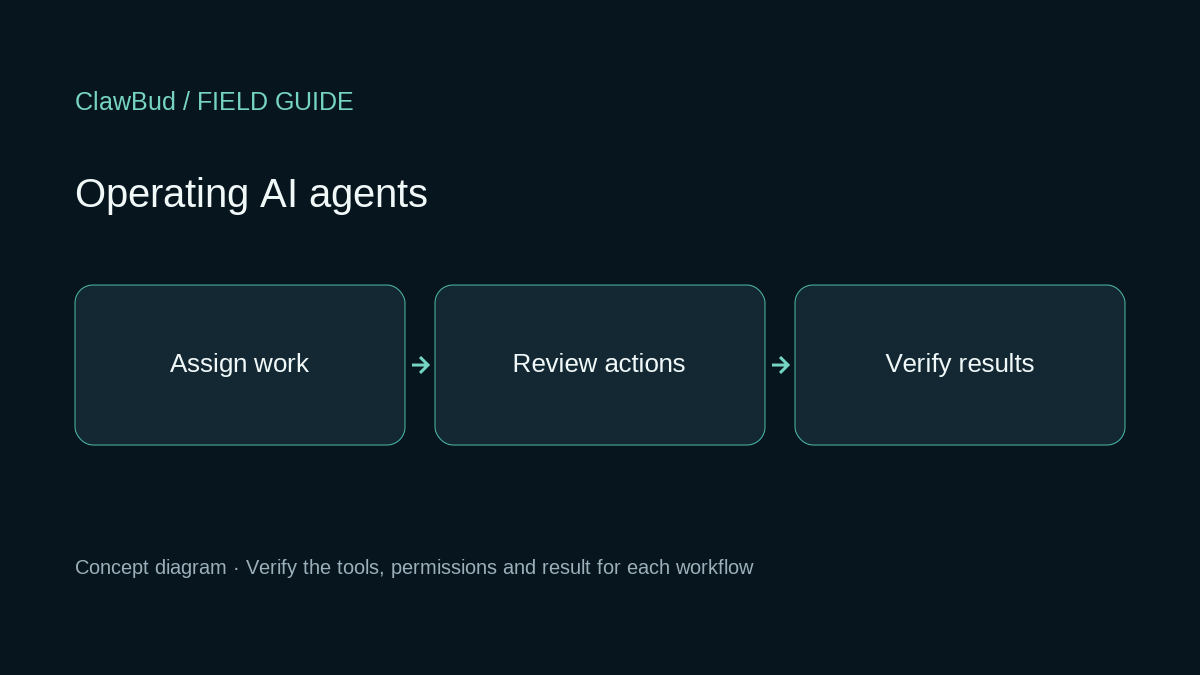
Use an AI agent in a CRM by giving it one bounded job, a verified record identity and a way for a person to inspect the proposed change. Start with a task such as preparing a follow-up for an existing contact. Keep customer messages, deal-stage changes and record deletion behind an explicit decision until the actual connector has passed an agreed evaluation.
Reviewed November 9, 2026. This ClawBud guide describes a proposed operating procedure, informed by current product sources and CRM documentation. The fictional exercise below has not been run. It is not a customer case study or a claim that ClawBud enforces every suggested control automatically.
Choose the record system before choosing the agent
ClawBud includes CRM views for contacts, deals and tasks. That gives an operator a place to organize business work alongside agents. It does not establish that an existing HubSpot or Dynamics record is synchronized, that every installed agent can access it, or that a message in an inbox has become a CRM contact. Check the connection and the intended record before assigning a write.
Decide which system owns the customer record. A team already using another CRM can keep that system authoritative and use an agent to prepare a proposed update. A smaller workflow may use the built-in CRM. If both hold the same information, assign an owner for each shared field and a rule for resolving differences. Two editable copies without that agreement create uncertainty for the next person who reads them.
Keep a stable contact reference, the responsible person and a link to the source request with the task. Record whether the next step is a draft, an approved change or an unresolved exception. A useful handoff lets the operator find the underlying record without relying on the agent's memory of its name.
Start with a reviewable follow-up
Consider a fictional record called Sample Company, with the reference crm-review-001. Its owner wants a draft asking for a preferred appointment time. The agent may read the approved contact fields and prepare the draft. It may also propose an internal task. Sending the message, changing the deal value and changing the owner are outside this exercise.
The proposed result should identify the recipient, explain which source request it follows and show the exact message. If a required detail is missing, the agent should report that gap. An old note mentioning a customer preference is not enough to infer consent for a new channel or a promise about delivery.
Give the reviewer the record reference and the proposed field changes alongside the draft. A broad instruction such as “handle this lead” leaves too much unresolved: which record, which channel, which action and who takes responsibility if the information conflicts. Define those choices before permitting execution.
Separate contact matching from update permission
Read the connector's actual create and update contract. A name match is weak evidence when two contacts share a name. Decide which identifier is authoritative, how it is normalized and what happens when there are several matches. An uncertain match should produce a review task instead of a new contact created to make the workflow continue.
For an external CRM, use its documented endpoint rules. HubSpot's contact documentation distinguishes updates from batch upserts, which can create or update records. It permits email or a custom unique property for contact upserts, and documents a limitation on partial upserts using email. That is a reason to inspect the selected operation before assuming it changes only one existing record.
Finding the right contact still does not authorize every change. Allow the specific fields needed for this task, and keep a record of the intended values. The upsert versus create guide covers the matching decision in more detail. It should be settled independently of whether the agent can draft a convincing reply.
Put the approval beside the action
An approval should refer to the actual recipient, content and operation. If those change materially while the request waits, obtain a fresh decision. Record the reviewer and the approved version in the workflow's evidence store. This is a procedure to implement and verify; a chat response saying “approved” does not prove that an integration checks it before writing.
Changes can also occur after the agent reads a record. Dataverse documents conditional updates that use a record's ETag and can reject an outdated version. Support depends on the relevant table and endpoint. Do not assume an unrelated CRM, browser form or ClawBud CRM operation has that same contract. If a connector lacks a verified condition, keep consequential changes as proposals for a person to reconcile.
ClawBud's standard agents can have separate identities, workspaces and sessions while sharing the account VM, gateway, tools and provider credentials. Additional managed isolation is restricted in availability. Separate conversations therefore do not establish a permission boundary between agents. Consult the current Agent API reference and agree on the actual account and connector access before adding another worker.
Read the destination after execution
After an authorized change, retrieve the destination record and compare it with the approved proposal. Check the contact reference, changed fields and any task or note created as a side effect. The agent's summary and a successful request receipt are useful evidence, but the destination tells the operator what was saved.
If the response is lost, reconcile the existing record before retrying. A second attempt may create another task even when updating the contact is harmless. Preserve the operation identifier and the original intent. The workflow recovery guide explains how to separate a failed request from an uncertain outcome.
Limit the retained evidence to what the team needs to review the action. Redact credentials and unnecessary customer details from examples or shared reports. Give exceptions a named owner and a next step; an unresolved row should remain visible instead of disappearing into a completed-task count.
Use a small acceptance exercise before expanding access
In an authorized test environment, prepare the fictional contact and ask the agent to produce the permitted draft. Check that no outward message was sent, no deal value changed and the reviewer can trace every proposed field to its source. Next, introduce an ambiguous contact match, then a missing required detail. Specify the expected stop or review outcome before each attempt.
Also propose a denied approval and a lost-response scenario. Save the actual result and evidence separately from the expected result. These are suggested checks, with no performance score or completed test reported here. If the team cannot inspect the destination and explain a retry, keep the workflow at proposal-only scope.
For the platform decision, use the agent management checklist to compare the runtime, access boundaries and review process. Choose a workflow the responsible person can verify, then expand its permitted actions as evidence supports each additional step.
The image is a conceptual assignment, review and verification diagram. It is not a CRM screenshot or evidence that the proposed exercise was performed.