Claude Code From Chat: How ClawBud Turns Telegram Into OpenClaw Execution
· ClawBud editorial team
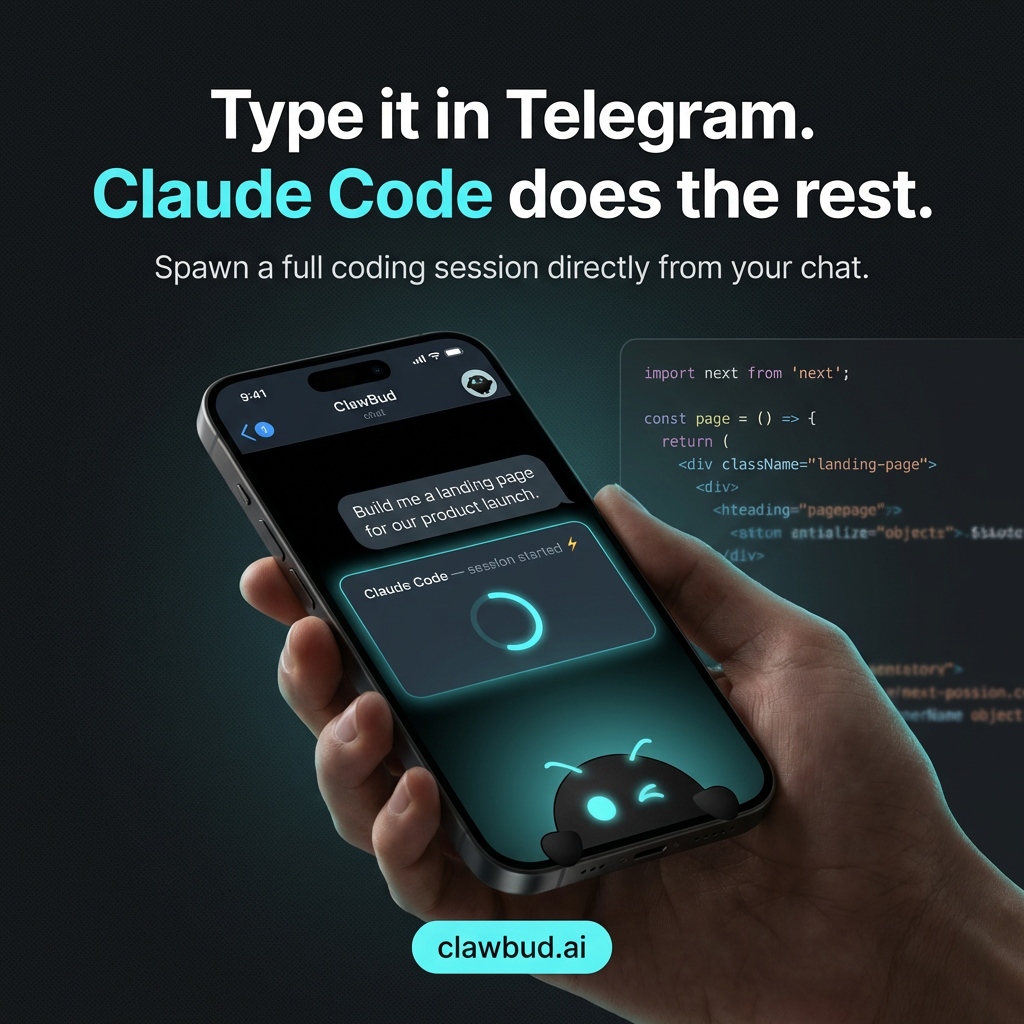
Most teams do not need another chat demo. They need execution.
ClawBud connects chat requests to real OpenClaw workflows, so a Telegram message can trigger Claude Code work in a managed environment.
What this means in practice
A common flow looks like this:
- You send a request in Telegram
- ClawBud routes the request to OpenClaw
- Claude Code starts execution
- Progress and outputs return through chat
The interface stays simple, but the workflow is operational.
Why this is different from a generic coding bot
A generic bot often returns snippets and stops.
ClawBud manages OpenClaw on a private cloud computer per account. Standard agents in the same account share its VM, gateway, tools and provider credentials.
Infrastructure trust matters
When coding workflows touch real systems, deployment quality becomes critical.
ClawBud combines:
- Managed OpenClaw operations
- Private server isolation
- Account-level hosting boundary
That mix is a key differentiator for teams that care about control and safer execution.
Best use cases
Claude Code from chat is useful for:
- Fast landing page and prototype requests
- Feature scaffolding and implementation drafts
- Internal tooling tasks
- Mobile first execution when away from desktop
FAQ
Is this just a Telegram bot?
No. Telegram is the entry point. OpenClaw and Claude Code handle the execution.
Why mention private server here?
Because code workflows often involve sensitive context. Private deployment gives stronger operational control.
Who is this for?
Founders, operators, and technical teams who want speed without infrastructure overhead.
Final takeaway
ClawBud turns chat into a serious execution surface.
Use this setup when you want a managed OpenClaw runtime with Claude Code work triggered through a supported chat connection. Confirm the enabled tools and approval rules before connecting a repository.