ClawBud vs DigitalOcean OpenClaw: Managed Service or Your Own Droplet?
· ClawBud editorial team
DigitalOcean's OpenClaw 1-Click suits a team that wants to operate its own server. ClawBud suits a team looking for a managed account and an agent dashboard. Choose between them by deciding who will handle configuration changes, recovery and access to business systems. A running server is only one part of that decision.
Reviewed November 5, 2026. This is ClawBud's comparison of current documentation, with a proposed evaluation below. We have not run a comparative deployment test or measured either service's performance.
What the DigitalOcean image provides
The Marketplace listing currently identifies OpenClaw 2026.10.7 on Ubuntu 24.04. Its deployment guide describes a new Droplet, SSH setup, provider credentials and dashboard pairing. It lists gateway authentication, firewall rate limiting, non-root execution, sandboxing and DM pairing. DigitalOcean also provides a web interface for configuration and logs; this option has more than a terminal.
The guide's resource recommendations depend on workload, with extra capacity potentially needed for browser automation or multiple sandboxes. Select a size for your actual job and confirm the resulting quote. We have not validated the image's installed configuration or those sizing recommendations on a running Droplet.
What changes with a ClawBud account
ClawBud provides a managed cloud computer for the account. Standard agents have separate identities, workspaces, memory files and sessions, while sharing the account's VM, gateway, tools and provider credentials. That distinction matters when two departments use different business-system permissions.
Additional managed agent-isolation profiles are available only to approved accounts through the customer API. They still share the account VM, gateway and provider credential store. Do not infer an independent machine or credential boundary from the number of agents shown in a dashboard. The current API reference is the place to check the exposed contract.
For a managed purchase, ask which operating tasks the service takes on and which remain with your team. Get a specific answer about runtime changes, incident handling, backup contents and recovery. This comparison does not establish a backup retention period or a guaranteed restore time for ClawBud.
Write down the operating owner before deployment
A small team should be able to name a person for each recurring responsibility. Put the chosen owner and the evidence they will retain next to each item:
- Configuration changes: who approves a new tool or channel, and where is the previous working configuration saved?
- Updates: who checks release compatibility, chooses a maintenance window and confirms that the business task still works afterward?
- Incidents: who receives a failed-job report, checks the destination system and decides whether another attempt is safe?
- Access removal: who revokes both the agent's connection and the corresponding permission in the business system when a staff member leaves?
For a self-operated Droplet, assign an operator who can handle the server and runtime. For ClawBud, agree on the support boundary before moving the task. A provider support channel and a named owner of your business workflow serve different purposes.
Check execution permissions separately from hosting
DigitalOcean's catalog FAQ includes troubleshooting advice that changes execution location and approval policy. Those settings deserve review before use. Upstream OpenClaw execution documentation distinguishes sandbox, gateway and node execution, with host-specific approval controls. Check the documentation for the installed version; current upstream behavior may differ from a packaged image.
OpenClaw's security guidance describes a trusted operator boundary and advises separating gateways and credentials for users who do not trust one another. Apply that question to either purchase: can a connected tool reach another department's records? Ask for a demonstration using restricted test accounts. Hosting location alone cannot answer it.
A disk backup needs an application recovery check
DigitalOcean documents Droplet backups as system-level disk images that can be enabled on new or existing Droplets. Confirm the selected schedule, retention and charges in the account. A saved disk image does not establish whether a CRM write completed before an interruption.
Ask either operator to identify what a recovery copy includes: agent configuration, workspace files, recent job records and connection setup. Keep secrets out of shared evidence. Establish how connections are reauthorized and how the operator will distinguish unfinished work from work already delivered. Our workflow recovery guide covers that destination check.
A proposed evaluation using invented records
Use a disposable workspace and a fictional request, supplier-check-001. Give the agent a sample purchase-order document and ask it to prepare a missing-information report. Keep the initial business-system connection read-only. Neither evaluation needs real supplier data.
- Save the report and its source reference. Verify every stated field against the sample document. Record setup work separately from running the task.
- Request a change that the connection is not permitted to make. Check that the destination remains unchanged and that the operator can explain the refusal.
- With the operator's approval, interrupt a disposable run before delivery. Resume through the supported recovery procedure and inspect saved work before starting another attempt.
- Restore a recovery copy into an agreed test environment. Confirm the expected document and configuration, then check the destination for duplicate delivery.
Retain the request ID, installed version, permission configuration, report, destination readback and operator time. Mark any step that the chosen service cannot demonstrate as unresolved. These are proposed acceptance checks, not results achieved by either platform.
Compare the full operating commitment
For DigitalOcean, request the selected infrastructure and backup quote, then add provider usage and operator time. For ClawBud, check the current plan and checkout terms, including what usage is included. A BYOK connection can carry a separate model-provider bill. We do not quote a current entry price or trial offer here.
Choose the Droplet route when direct server control is useful and an operator will maintain it. Consider ClawBud when a managed environment fits your team and the demonstrated workflow meets its requirements. Use the completed evaluation record, including unresolved recovery and permission questions, to decide whether either option is ready for your workload.
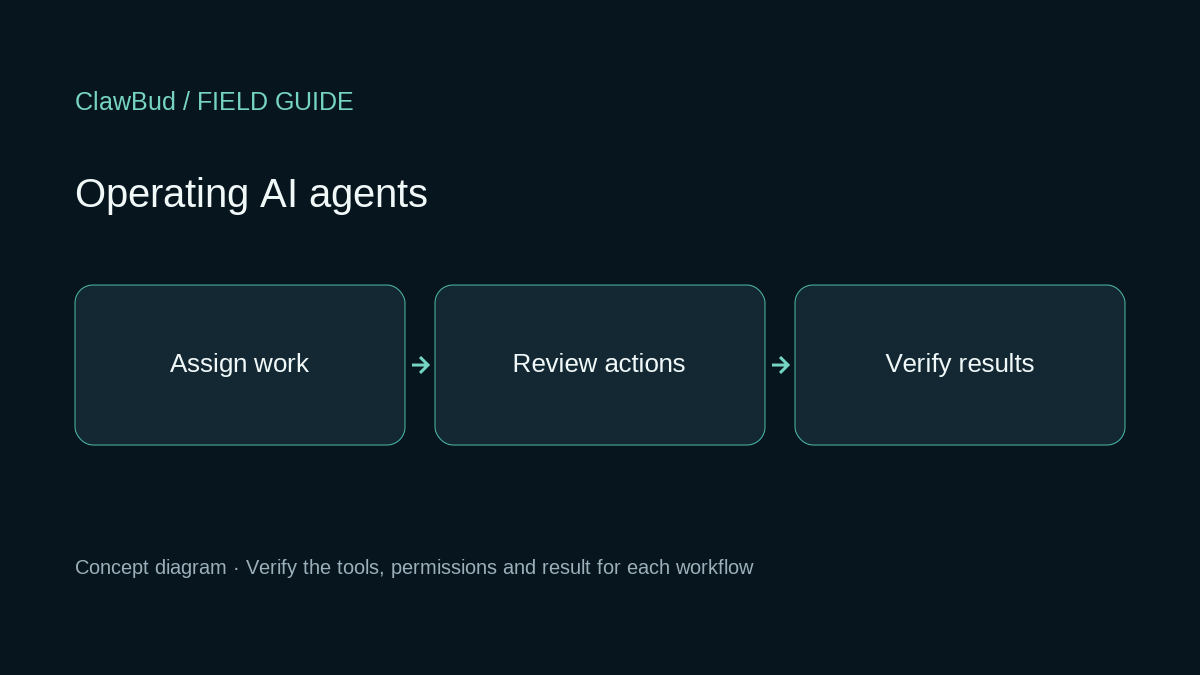
The image is a conceptual assignment, review and verification diagram, not a screenshot or evidence of either service passing these checks.