ClawBud vs Manus: Cloud Computers, Tasks and Access
· ClawBud editorial team
ClawBud and Manus both offer ways to work on a managed cloud computer. Start with the operating model you want: ClawBud manages an account environment for supported agent runtimes, including OpenClaw; Manus combines its agent product with Projects, connected apps and an optional persistent Cloud Computer. Check the exact account configuration before treating either as a replacement for your current workflow.
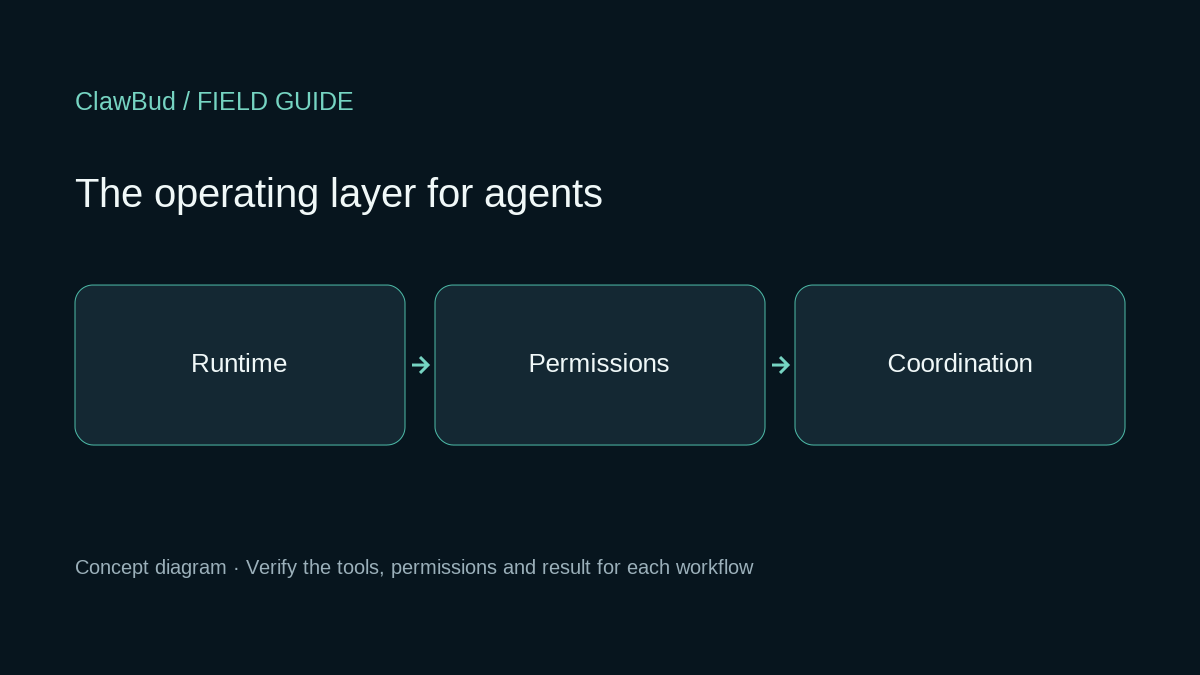
This comparison was reviewed on November 14, 2026 using current product documentation and ClawBud's repository-backed platform scope. We did not purchase a Manus plan, connect customer accounts or run a comparative task. The image is a concept diagram of runtime, permissions and coordination, not a product screenshot or measured result. ClawBud is operated by AI Buddy; this is our own comparison.
Both products describe persistent cloud work
Manus Cloud Computer is documented as a persistent cloud environment. Its files and installed tools remain between tasks while the computer subscription is active. The product page describes using a browser and terminal, installing tools and returning to the same computer for later work. It also distinguishes this cloud environment from Manus Desktop on a user's own computer.
That makes the selected environment an important comparison point. Ask whether a demonstration uses an ordinary task environment, a subscribed Cloud Computer or a local device. Record the computer selected for the task and the location of the saved output. A file shown in a chat and a file retained on a server can have different lifecycles.
ClawBud provides an account-level managed cloud environment for agent work. Verify the supported runtime and tools enabled in the account you are considering. A public feature list does not establish that every runtime, integration or operating-system package is enabled in every configuration.
Compare project context with agent identity
Manus Projects group instructions, files, sources, skills and recommended connectors around related tasks. Its current sharing description distinguishes shared project context from individual task visibility: members do not automatically see each other's tasks. It also says that importing a Google Drive file is different from maintaining ongoing synchronization with that file.
For a team report, decide who may update the common instructions, who can see the source material and who receives the finished task. Sharing the project is only one of those decisions. Check the actual Can use or Can edit settings and share a task separately when the intended reviewer needs it.
ClawBud's Agent API supports named OpenClaw agents and routing messages to an agent within the account. Standard agents have separate identities, workspaces and sessions, while sharing the account VM, gateway, tools and provider credentials. Do not treat a separate conversation as a separate server or credential boundary. The restricted managed-isolation option has separate eligibility and API setup; it is not the default scope for ordinary agents.
Choose the organizing unit that matches the job, then demonstrate its access boundary. A project containing shared reference files and a named runtime agent are different things to evaluate; neither label establishes that the right colleague can review the final output.
Review the tools loaded into a task
The Manus connector overview documents app connectors, custom MCP connections and saved external API keys. A connector's available operations depend on its access and account configuration. A catalog entry is a starting point for reviewing the requested permissions.
The current Manus API connector contract defines task-specific connector selection. In task creation, an empty connectors array is treated like an omitted selection; it does not mean “no connectors.” The documented clear_connectors option clears connector selection, but does not remove tools supplied through other task features. Defaults and follow-up-message behavior need explicit review when an application creates or continues tasks.
For either platform, list the identity used for each connected system, the allowed read and write operations, and the action that needs a person to approve it. Test the selected configuration with an invented request before using customer records. Our agent-permissions guide helps define that list. Neither this article nor a successful account connection proves that a particular outbound action will be held for approval.
Build a bill from the resources you actually need
Manus presents task-credit allowances on its membership pricing page. Its separate Cloud Computer billing guide describes monthly computer plans and what happens when that subscription ends. The guide says files, installed tools and databases on the terminated computer are deleted, while outputs already delivered in chat remain there. Arrange a backup before canceling a computer.
For ClawBud, check the selected plan and billing mode, including whether model use comes from plan credits or your own provider account. List any external service subscriptions separately. Do not compare only the displayed entry prices when one proposed setup also needs a persistent computer, a different usage allowance or paid connected services.
Ask each provider for the billing period, resource lifetime and treatment of exhausted usage. Then estimate the cost of the same bounded job, including retries and the operator's work. This review does not establish which product is cheaper for that job; that conclusion needs a recorded run and its actual charges.
A proposed check for a recurring report
Use the local reference workspace-choice-001 for a proposed evaluation. Supply two short invented input files describing Monday's and Friday's website changes. Ask for one saved Markdown change report, source references to those files and a draft message for a reviewer. Keep sending and business-record updates disabled during the exercise.
- Saved result: record the selected environment, output path and reviewer access. Open the result from its destination instead of relying on the agent's completion message.
- Later task: start another task using the intended project or agent setup. Check which instructions and files are available. Record any manual reattachment or reconfiguration.
- Restricted action: request a business-system write outside the test permissions. Record whether it is blocked, held for review or unexpectedly executed. Do not give either product a passing result in advance.
- Interrupted or repeated work: simulate a repeated request in the test setup. Check the destination before resuming, and record whether another report or outbound action was created.
These are proposed cases, not tests we performed. Leave observed results, charges, evidence links and reviewer decisions blank until the exercise is run. Use the recovery guide to define who reconciles an uncertain result.
Which product belongs on your shortlist
Start with Manus when its Projects and task-oriented app workflow match the way your team wants to work, and evaluate its Cloud Computer if retained tools or background services are part of the job. Start with ClawBud when operating supported agent runtimes in a managed account environment, including named OpenClaw agents, is the central requirement. Those are fit criteria based on documented scope, not a performance ranking.
Before choosing, ask who maintains any extra runtime or service you install and how you export the working files and instructions. Include those responsibilities in the provider's scope. For other operating models, use the agent-platform comparison hub and keep the same proposed task across the final shortlist.