ClawBud vs Relevance AI: Managed Runtimes or Visual Agent Teams?
· ClawBud editorial team
Choose ClawBud when you want to operate supported agent runtimes on a managed account computer and inspect their work through a dashboard, browser and API. Shortlist Relevance AI when you want to build a team of agents and tools on a visual workflow canvas. Compare how work moves between those agents, where a person must approve an action and what each completed task consumes.
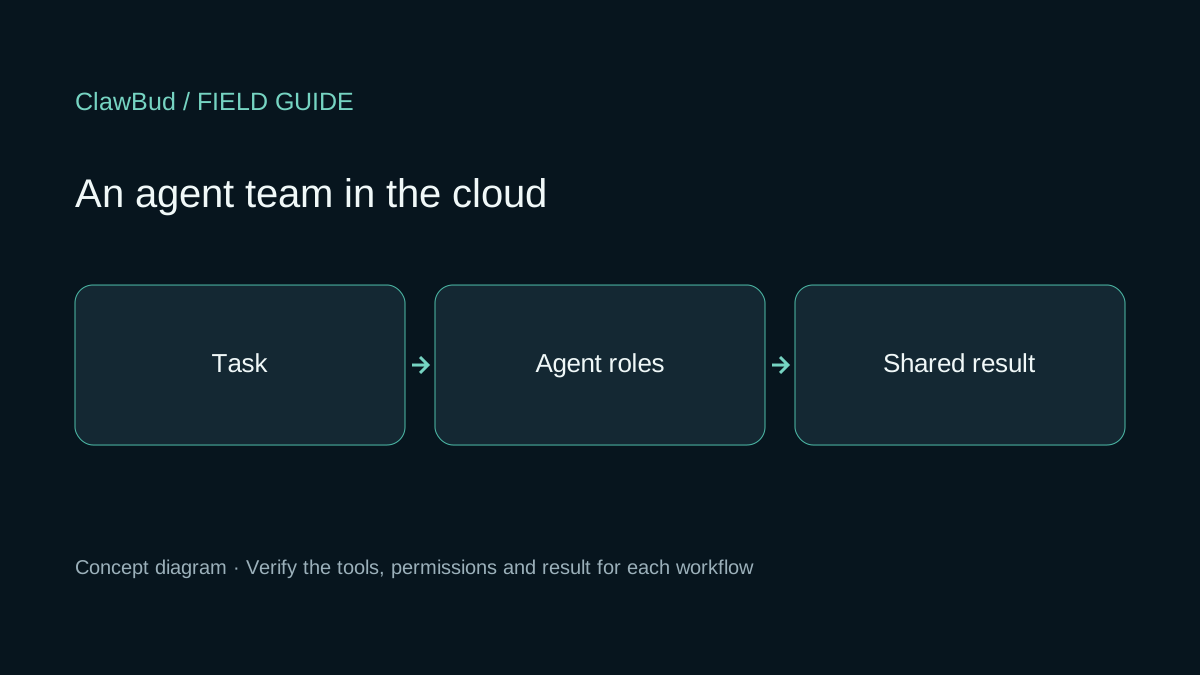
Reviewed November 4, 2026. ClawBud publishes this comparison. We reviewed current documentation and public pricing pages; we did not run a comparative product test. The header is a concept diagram showing a task, agent roles and a shared result.
Decide what your team needs to maintain
ClawBud manages the account's cloud computer for supported runtimes. Standard agents have separate identities, workspaces, memory files and sessions, while sharing the account VM, gateway, tools and provider credentials. This gives an operator a place to run and inspect agent work. The operator still needs to own the workflow instructions, connected-account permissions and the business result.
Additional managed-isolation profiles remain restricted to approved accounts through the customer API. They also share the account VM, gateway process and provider credential store. Require a demonstration of the actual access boundary when workers handle different data. The ClawBud API reference covers the public API; a distinct agent identity alone does not establish security isolation.
Relevance AI's introduction describes a low/no-code platform for building agents, tools and multi-agent teams. Its Workforces guide shows a visual canvas with agent and tool connections. An AI connection lets the agent decide when to delegate; a Next step connection creates a mandatory handoff. Conditions can route work according to the input.
That design is useful when the process owner wants the sequence and routing visible in the workflow. The maintenance work includes tool definitions, connection settings and the information each specialist receives. For either product, ask who will update these when a CRM field or business rule changes.
Inspect the handoff and its approval setting
Relevance's Edge Settings documentation describes Auto run, Approval required and Let agent decide modes for AI connections. These are different operating choices. If a particular change requires a human decision every time, configure that requirement explicitly and check the pending action before allowing the workflow to continue.
The same documentation distinguishes creating a new task from continuing the existing task. This affects how you follow work across specialists. Its parallel-tool-call compatibility is marked Beta and requires independent task instances for parallel handoffs. A diagram with several branches does not by itself establish concurrent execution or a measured speed gain.
On ClawBud, verify the chosen runtime and tool's actual confirmation behavior. We do not claim a universal approval gate across all supported runtimes and integrations. Ask the operator to show a rejected write, an approved write and the resulting record in the destination system. Our orchestration guide explains how to define the work passed between roles without treating separate names as separate permission boundaries.
Understand the two usage meters before comparing costs
On November 4, Relevance's public pricing page showed Enterprise with custom Actions and Vendor Credits and a sales contact. Its separate pricing documentation still describes Pro and Team subscriptions and says the Free plan has been retired. We have not verified current new-account eligibility for those self-service plans. Ask which offer is available to your organization before using a documented entry price in a budget.
The documentation separates Actions, counted when an agent runs a tool, from Vendor Credits for model and tool usage. It also describes BYOK. A workflow with several tool calls can therefore consume multiple Actions for one business request. Ask how both meters apply to your selected configuration, including retries and evaluations.
For ClawBud, check the current platform plans and the model billing arrangement. With BYOK, model-provider charges remain separate. Relevance Actions, Relevance Vendor Credits and ClawBud credits are different units; an equal credit count is not an equal workload allowance.
Estimate subscription costs alongside the usage consumed by your proposed task. Record the human time spent reviewing and fixing its output. Compare the cost per accepted business result only after measuring the same inputs on each shortlisted product.
Try a support-escalation handoff with invented records
This is a proposed evaluation, with no results claimed for either platform. Create a test support case called handoff-demo-001 and a short fictional policy document labelled policy-v1. The requested output is an explanation of which policy paragraph applies and a proposed CRM case update. Keep customer email delivery disabled for this exercise.
Have a triage agent select the case, then pass its ID and policy revision to a specialist. Inspect what reaches the specialist. Give it two plausible policy paragraphs and check whether it exposes the ambiguity to the reviewer. Save the proposed update and reject it once. Read the CRM independently to confirm that the rejection left it unchanged.
Next, approve a corrected proposal through the intended reviewer. Verify the actual saved fields and destination record ID. Change the policy document to policy-v2 before a later approval and check whether the pending proposal is refreshed or stopped for review. The team needs to know which evidence an approval covers.
Pause the workflow after the specialist finishes, then resume it through the supported mechanism. Check whether completed steps repeat and whether the resumed work retains the case ID. If a destination response is lost, reconcile the saved result before repeating a write; our recovery guide covers that decision.
Keep the input revisions, handoff records, reviewer decisions and destination IDs together. Include failures and manual recovery in the cost record. Relevance AI is a candidate when its visual workflow and demonstrated connection controls fit the process your team wants to build. ClawBud is a candidate when managing supported runtimes in an account environment fits the work you want to operate. Use the platform comparison hub for other operating models, and retain only the candidates on which your team can demonstrate the required handoff.