How to Deploy Your Own Private OpenClaw Agent in 1 Click (No Server Knowledge Required)
· ClawBud editorial team
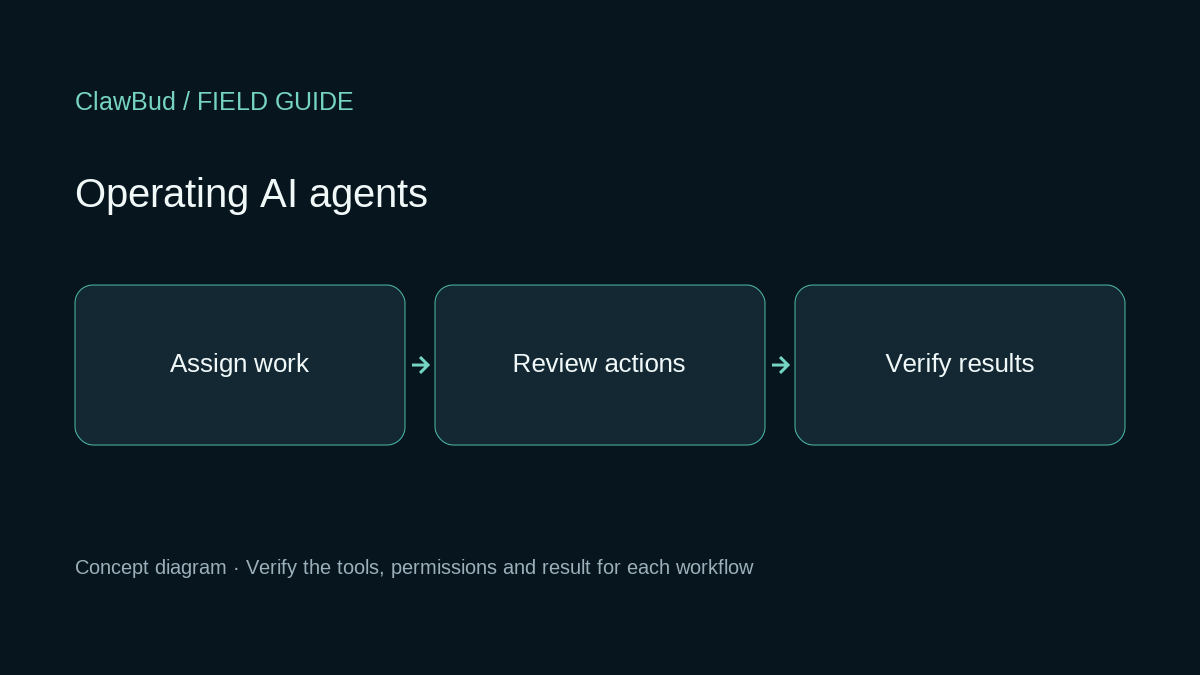
ClawBud provisions a managed OpenClaw environment on a private cloud computer per account. Setup starts from the dashboard; availability depends on provisioning and the selected plan. Confirm the enabled runtime, tools and account status before starting business work.
This guide walks through exactly how it works, why self-hosting is painful, and how ClawBud's 1-click setup changes everything.
What Is OpenClaw and Why Does It Need a Dedicated Server?
OpenClaw is a powerful personal automation platform that gives you a persistent, programmable agent capable of browsing the web, running code, managing files, calling APIs, and executing complex workflows. Think of it as a private staff member that works around the clock.
But OpenClaw needs a home. To run continuously, it needs a server that stays on 24/7, a browser environment, stable network access, and ideally firewall isolation so it doesn't become a security liability.
When you self-host OpenClaw, you take on all of that yourself.
The Problem with Self-Hosting OpenClaw
If you've looked into running your own OpenClaw agent, you've probably found that the process is not quick. Here's what self-hosting actually looks like:
- Rent a VPS from DigitalOcean, Linode, or Hetzner (requires understanding specs, regions, OS choices)
- SSH into the server using a terminal (Linux command line required)
- Install dependencies including Node.js, Chromium, and supporting libraries
- Configure environment variables for the OpenClaw runtime
- Set up a firewall manually via iptables or ufw (easy to misconfigure)
- Keep everything updated and monitor for crashes
- Troubleshoot when things break (because they will)
Self-hosting effort depends on the operator, selected deployment method and the required security configuration. Include setup, updates and recovery responsibility in your comparison.
That's the gap ClawBud fills.
ClawBud 1-Click vs Self-Hosted: Head-to-Head Comparison
| Feature | ClawBud 1-Click | Self-Hosted VPS |
|---|---|---|
| Setup time | Depends on provisioning | Depends on configuration |
| Linux knowledge required | None | Required |
| Dedicated VM per user | Yes | Manual setup |
| Account-level network controls | Check enabled account network controls | Manual iptables/ufw |
| Dedicated Chromium browser | Yes (pre-configured) | Manual install |
| Supported skills available for installation | Yes | Manual install each |
| Ongoing maintenance | Handled by ClawBud | Your responsibility |
| Support | Included | Self-managed |
| Starting price | $20/mo | $5-15/mo VPS + your time |
The math is straightforward. You're not just paying for a server. You're paying to never think about the server again.
For a full comparison, visit clawbud.ai/compare.
How to Deploy Your OpenClaw Agent with ClawBud (3 Steps)
Here is the complete private OpenClaw agent setup process with ClawBud:
Step 1: Create Your Account at clawbud.ai
Go to clawbud.ai and sign up. Account creation and provisioning time vary. Review the current payment amount and subscription terms before purchasing.
Once you're in, you'll see the ClawBud dashboard: a clean, minimal interface that shows your agent status, plan, and controls.
Step 2: Choose Your Plan and Click Deploy
Select the plan that fits your needs:
- BYOK at $20/mo: Bring your own API key. For users supplying supported provider credentials; provider usage is billed separately.
- Starter at $39/mo: Full managed experience. Includes a plan-credit allowance; check provisioning status and supported model access.
- Pro at $79/mo: Higher usage limits, priority support, and advanced configurations.
See all plan details at clawbud.ai/plans.
After selecting your plan, press the single Deploy button.
Step 3: Your Agent Is Ready
Provisioning handles supported host and runtime setup. Review readiness, account connections and the required workflow controls before starting live work:
- Provisions a dedicated virtual machine (yours only, not shared)
- Configures the managed account environment
- Spins up a dedicated Chromium browser instance
- Makes supported skills available for installation
- Connects your agent to the OpenClaw runtime
Provisioning must complete before the environment is ready. No terminal. No configuration files. No SSH keys to manage.
When the dashboard reports readiness, verify the runtime and permissions with a limited test workflow.
What Makes ClawBud Different from Every Other Option
ClawBud provides a private cloud computer per account. Agents in an account can share its VM, gateway, tools and provider credentials. Separate workspaces and conversations do not by themselves provide a security boundary. Additional managed isolation applies only where it is explicitly enabled.
This matters more than it sounds.
The account computer separates the customer hosting environment. Standard agents within that account share its VM, gateway, tools and provider credentials. Review any additional isolation, tool policy and connected-service permissions explicitly.
Who This Is For
The 1-click OpenClaw setup is built for people who want the power of a private OpenClaw agent without the operational overhead:
- Founders and solopreneurs who want automation without DevOps
- Consultants and freelancers who need reliable, always-on task execution
- Teams that want an agent each member can use without sharing credentials
- Developers who want a clean, isolated environment for testing and building
If you've been putting off deploying your own OpenClaw agent because the technical setup felt like too much, ClawBud is the answer.
What Can Your OpenClaw Agent Actually Do?
Once deployed, your enterprise OpenClaw agent can handle a wide range of tasks:
- Web research and data gathering
- Writing and editing content
- Managing emails and calendar items (via integrations)
- Running code and scripts
- Monitoring websites and services
- Executing multi-step workflows with ClawHub skills
- Browsing the web autonomously using the dedicated Chromium browser
Review the supported skill catalog, install only what the workflow needs, and check each skill's code, permissions and external dependencies.
For a deeper look at how OpenClaw works under the hood, the OpenClaw documentation covers the full capabilities of the platform.
Pricing: What Does a Managed OpenClaw Agent Cost?
| Plan | Price | Best For |
|---|---|---|
| BYOK | $20/mo | Users with existing API keys |
| Starter | $39/mo | Most individuals and small teams |
| Pro | $79/mo | Power users and high-volume workflows |
For self-hosting, obtain a current server quote and add model usage, storage, backups and operator time. Compare that total with the selected ClawBud plan and any external services.
Frequently Asked Questions
Do I need any technical knowledge to deploy an OpenClaw agent with ClawBud?
No. The entire process requires zero technical knowledge. You don't need to know what Linux is, what SSH means, or how servers work. ClawBud's 1-click deploy handles all of that for you. If you can click a button, you can deploy a private OpenClaw agent.
What is the difference between a managed OpenClaw setup and self-hosting?
Self-hosting means you rent a server and configure everything yourself: the OS, the firewall, the browser environment, the OpenClaw installation, and ongoing maintenance. Managed OpenClaw through ClawBud means all of that is handled for you. You get a dedicated VM, account-level hosting boundary, and a pre-configured agent environment with supported skills available for installation.
Is my OpenClaw agent private? Who can see what it does?
The private computer is assigned to the account. Standard agents share its VM, gateway, tools and provider credentials. Review provider processing, connected services, support access and the permissions enabled for your workflow.
Can I use my own API key?
Yes. The BYOK (Bring Your Own Key) plan at $20/mo lets you connect your own Claude or OpenAI API key. This is ideal if you already pay for API access and want to keep using your existing credits.
What happens if my agent crashes or the server has a problem?
Ask which health checks, restart behavior and support response apply to the account. Agree how an operator detects a failed business task and resumes it after verifying external state.
The Bottom Line
Deploying your own private OpenClaw agent no longer requires Linux expertise, a free afternoon, or a budget for IT support.
ClawBud makes the entire process one click. Dedicated VM, account-level hosting boundary, dedicated Chromium browser, supported skills available for installation, with readiness confirmed in the dashboard.
Stop letting setup complexity be the reason you don't have an enterprise OpenClaw agent working for you.
Get started at clawbud.ai and deploy your OpenClaw agent today.