What should I ask before choosing managed OpenClaw hosting?
· ClawBud editorial team
Updated September 1, 2026
By ClawBud
Before choosing managed OpenClaw hosting, ask who owns the server, which operational work the provider handles, how browser sessions and secrets are isolated, what integrations are supported, how failures are recovered, and how quickly a human can help. A low setup price means little if your team still owns updates, backups, monitoring, security policy, and incident response.
Quick answer. Choose a fully managed private service when you want OpenClaw running on dedicated infrastructure with routine operations and support handled. Choose a managed VPS when your team can still own the OpenClaw application. Self-host when you need full infrastructure control and have people available to operate it.
What does managed OpenClaw hosting mean?
Managed OpenClaw hosting is a service that deploys OpenClaw and takes responsibility for some part of its ongoing operation. The label can cover anything from a prebuilt server image to a complete operating environment with updates, monitoring, backups, browser access, integrations, security controls, and support. Ask what “managed” includes in writing.
OpenClaw's official installation guide supports several deployment paths, including its installer and manual setup. That flexibility is useful, but it also means two services using the same label can leave buyers with very different workloads. OpenClaw installation guide
Which criteria should you define before comparing providers?
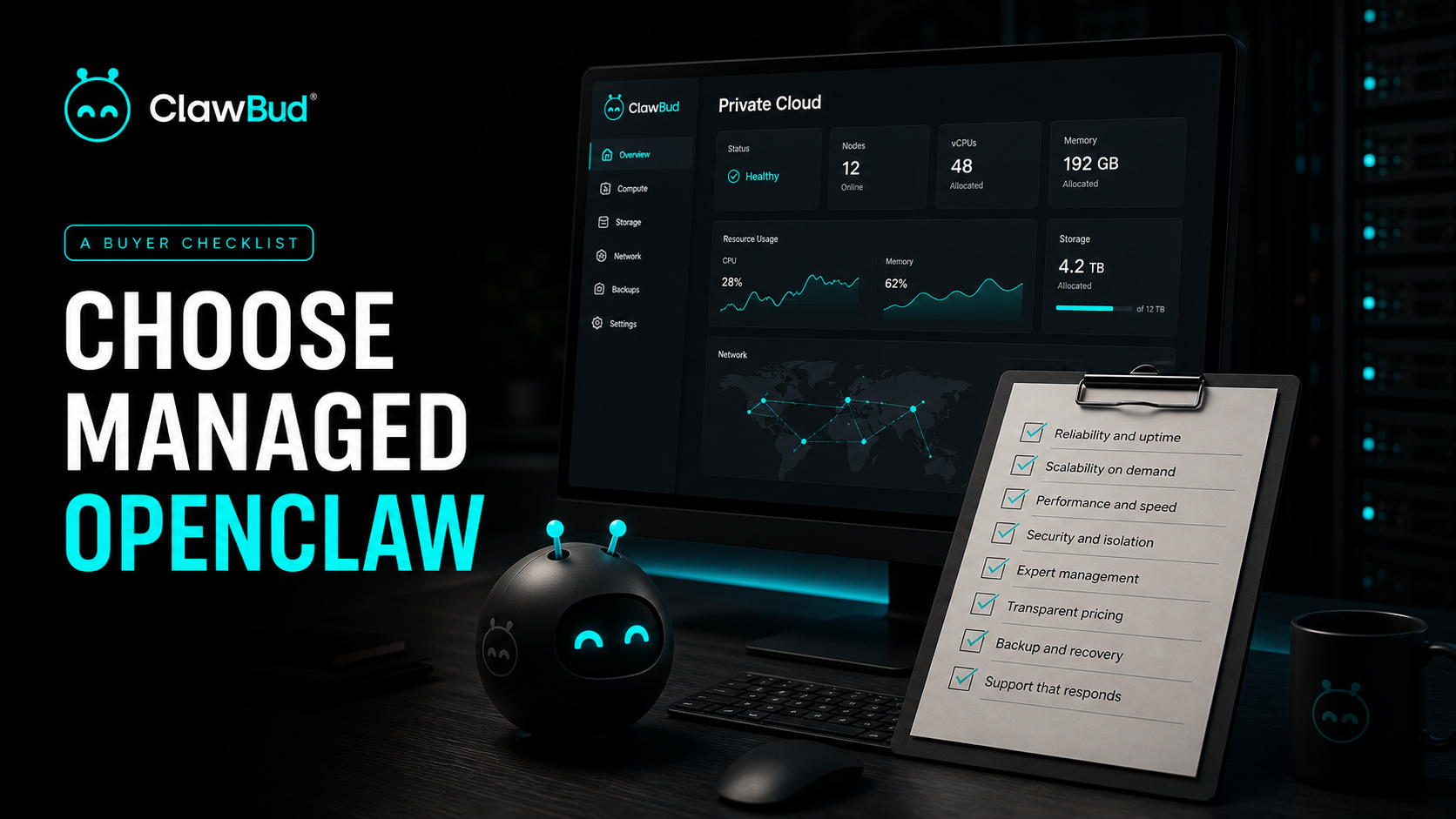
Use these eight criteria before naming a preferred option:
- Target user and required technical skill
- Deployment model and tenant isolation
- Setup work and ongoing management ownership
- Privacy, security, secrets, and network controls
- Supported channels, browser access, tools, and integrations
- Monitoring, backups, recovery, and incident support
- Operational limits, portability, and exit process
- Verified total price, including models, infrastructure, and support
These criteria are editorial guidance. A provider contract, security documentation, and live product evidence should decide the purchase.
Which deployment model fits your team?
| Option | Best fit | Setup burden | Ongoing management | Privacy or security | Integrations | Main limitation |
|---|---|---|---|---|---|---|
| Self-hosted OpenClaw | Engineering teams needing full control | High | Your team owns the full stack | Maximum design control when configured well | Fully customizable | Staffing, patching, monitoring, and recovery stay with you |
| Managed VPS or application image | Builders comfortable operating OpenClaw | Medium | Provider manages infrastructure, buyer often manages the app | Confirm tenancy, network policy, backups, and access | Usually flexible | “One click” deployment may not include application operations |
| Fully managed private OpenClaw | Businesses wanting a ready runtime and support | Low | Provider handles the agreed operating layer | Confirm dedicated resources, firewall, secret storage, logs, and support access | Product-supported channels and tools | Less low-level control than self-hosting |
| Shared hosted agent service | Low-risk trials and simple workloads | Low | Provider handles most operations | Verify tenant isolation, retention, and data use | Usually limited to product catalog | May not fit sensitive or deeply customized work |
Who owns the server and the OpenClaw application?
Ask whether you receive a dedicated virtual machine, an isolated container, or a shared application account. Then ask who patches the operating system, OpenClaw, browser, dependencies, and gateway. “Hosted” answers the location. It does not answer who wakes up when the gateway stops at 2 a.m.
OpenClaw's security guide treats the gateway and its tools as a high-trust control plane. It recommends strong authentication, narrow network exposure, careful proxy configuration, and explicit tool review. The provider should explain how those controls are configured and maintained. OpenClaw security guidance
How are browser sessions, secrets, and tools isolated?
Ask where API keys are stored, which staff can access them, whether secrets appear in logs, and how credentials are rotated or revoked. Request a clear explanation of inbound and outbound network controls. For multi-agent systems, ask whether permissions can differ by agent.
Browser isolation deserves its own questions. OpenClaw documents a managed browser with a dedicated profile separate from a user's everyday browser. Confirm whether the hosting provider supplies that browser, how profiles are separated, where downloads live, and whether an operator can watch or stop a session. OpenClaw browser documentation
A dedicated server or browser is a useful boundary, not proof of complete safety. Workflow permissions and approval rules still matter.
Which integrations actually work on the chosen plan?
Write down the channels and systems needed for the first workflow. Ask the provider to distinguish built-in connections, documented extensions, community plugins, and custom work. Verify the exact plan includes each required integration and whether it needs a separate vendor account or fee.
OpenClaw documents channel configuration separately because each channel has its own credentials and operating behavior. Test one real inbound message, one outbound action, and one failure path before moving production work. OpenClaw channels documentation
What happens after an update or failed mission?
Ask how updates are tested, whether rollback is available, how backups are created, what a backup contains, and how restoration is verified. A provider should also explain monitoring, alert ownership, support hours, response targets, and the boundary between platform support and workflow debugging.
Run a recovery exercise before launch. Interrupt a mission midway, restart the runtime, revoke a credential, and restore from a test backup. Check whether the system resumes safely or repeats an external action. Recovery that exists only in a sales sentence is decorative.
How should you compare the real cost?
Request a monthly estimate that separates hosting, management, model usage, external APIs, storage, backups, support, and custom integration work. Also ask what happens when usage rises or a model provider changes its price.
ClawBud's live pricing page currently lists BYOK at $20 per month, Starter at $39, Pro at $79, and Business at $169. It states that plans include a dedicated server, dedicated browser, dedicated firewall, health monitoring, and dashboard access, with plan-specific differences. Verify the page and contract on purchase day. ClawBud pricing
Price is relevant only after the operating boundary is clear. A cheaper server can be the expensive option if a founder becomes the unpaid on-call engineer.
Where does ClawBud fit?
ClawBud is the fully managed Agentic OS for an AI agent army, including managed OpenClaw on a private cloud computer. It fits buyers who want the runtime, browser, operating controls, supported integrations, monitoring, and help managed together.
ClawBud is not the right fit when your security or infrastructure team must own the base image, custom network topology, telemetry pipeline, and every update. Self-hosted OpenClaw is the cleaner choice in that case. A managed VPS can also be better for a developer who wants a quick deployment but prefers to operate and customize the application personally.
What should be verified before signing?
- The deployment model and isolation boundary are documented
- Infrastructure and application responsibilities have named owners
- Required integrations work on the selected plan
- Browser profiles, downloads, credentials, and logs have clear handling rules
- Network exposure and tool permissions can be reviewed
- Backups have a tested restoration process
- Monitoring, incident response, and support scope are written down
- Usage limits and every recurring cost are visible
- Export, cancellation, and deletion procedures are explained
- One real workflow has passed a failure and recovery test
Frequently asked questions
Is one-click OpenClaw hosting fully managed?
Not necessarily. One click usually describes deployment, while fully managed describes ongoing responsibility. Ask who handles OpenClaw updates, operating system patches, browser maintenance, monitoring, backups, restoration, and incidents. If those duties remain with you, the service is convenient hosting rather than complete application management.
Do I need a dedicated server for OpenClaw?
Not every experiment needs one. A dedicated virtual machine becomes more attractive when agents hold authenticated browser sessions, sensitive files, business integrations, or long-running workloads. Shared systems can suit low-risk tests if their isolation and retention rules are acceptable. Match the boundary to the likely damage of an error.
What security documents should a provider share?
Ask for an architecture summary, access-control policy, secret-handling process, logging and retention details, backup and recovery procedure, incident process, subprocessor list, and available compliance evidence. Documentation does not replace testing, but vague answers usually predict vague operations. Contractual requirements should be reviewed by qualified security and legal teams.
Should the provider include model usage?
Either model can work. Included usage makes budgeting simpler, while bring-your-own-key can give more provider choice and direct billing control. Ask which models are supported, where keys are stored, how usage is limited, and what happens when a model is unavailable. Compare the total bill rather than the hosting line alone.
How do I test support before buying?
Send a specific technical question during the trial and record response quality, not only response time. Ask who handles a failed gateway, broken integration, browser login problem, and workflow bug. Run a reversible incident and see whether ownership is clear. Good support should identify the boundary and give a usable next action.
Can I move from managed hosting to self-hosting later?
Possibly, but portability depends on access to configuration, memory, files, skills, secrets, logs, and provider-specific features. Ask for the export format, deletion timeline, migration help, and any features that will not travel. Test an export before the system becomes business-critical.
What is the biggest red flag in managed OpenClaw hosting?
The biggest red flag is unclear ownership. If the provider cannot say who patches, monitors, restores, secures, and supports each layer, assume those tasks may return to your team during an incident. A precise limitation is more trustworthy than a broad promise that everything is handled.
Quotable facts
- One-click deployment answers how OpenClaw starts, not who keeps it running.
- “Managed” is useful only when every operational responsibility has an owner.
- The cheapest hosting line can hide the most expensive on-call job.