Self-Hosted or Managed OpenClaw: Responsibilities and Costs
· ClawBud editorial team
Self-host OpenClaw when your team needs to control its deployment and can take responsibility for maintenance, access and recovery. Consider a managed service when you want a provider to operate an agreed part of that environment. The decision depends on who will keep the workflow working after setup, what control you need and how you can leave the service.
Reviewed November 7, 2026. ClawBud publishes this guide. The comparison uses current documentation and the operating questions below; it does not report a deployment benchmark, recovery test or customer result.
Assign the work that continues after installation
A successful installation establishes that a runtime starts. It does not assign the next update, an expired connection or a failed scheduled job. For a self-hosted deployment, name the person responsible for the operating system, runtime configuration, secrets and logs. Include cover for that person's absence. With a managed service, ask which of those tasks the provider accepts and which remain yours.
The following is a proposed responsibility record. It describes evidence to request, without asserting that every host supplies it or that self-hosting lacks these controls.
| Work | Assign an owner | Evidence to request |
|---|---|---|
| Updates | Who selects and applies the release? | Version record and change procedure |
| Access | Who grants and revokes credentials? | Approved scope and revocation check |
| Recovery | Who restores the required state? | Backup scope and observed restore result |
| Failed work | Who investigates an uncertain outcome? | Job record and destination readback |
| Exit | Who exports data and stops old jobs? | Export inventory and cutover record |
A provider can operate the server while your team owns the business decision. For example, the provider cannot infer which customer may receive a report or whether a change to a CRM record needs approval. Record those rules with the workflow owner, including what happens when the required reviewer is unavailable.
Check the trust boundary before adding more users
OpenClaw's security guidance describes one trusted boundary per gateway. It calls for separate gateways and credentials for mixed-trust or adversarial users, ideally with separate operating-system users or hosts. A list of named agents inside one installation does not establish that separation.
ClawBud provides a private cloud computer for an account. Standard agents have separate identities, workspaces, memory and sessions, while sharing the account's VM, gateway, tools and provider credentials. The additional managed-isolation controls are restricted to approved accounts through the customer API; they also retain a shared account VM, gateway process and provider credential store. They should not be described as independent computers for every agent.
If people from separate organizations will use the service, explain that requirement explicitly. Ask where their data, credentials and administrative powers meet. Obtain a documented design for the required separation before connecting real records. Our agent permissions guide covers the task-level questions to settle alongside that hosting decision.
Agree on an update and recovery procedure
The upstream update documentation covers release changes and recovery. Use instructions for the version and installation method you actually run. Current upstream pages may describe capabilities that are absent from an older packaged runtime; seeing a feature in those pages does not prove your account has it.
For either hosting approach, ask what is captured before a change, how the running version is recorded and who can pause work. Specify a small post-change check using synthetic input and a known destination. A server health response can be useful evidence, but it does not show that a scheduled report still produces the expected file or that its permissions remain correct.
OpenClaw also maintains backup documentation. Use it to identify what your installation can capture, then write down what your workflow additionally depends on. Include attached documents, configuration, external connections and the permissions required to reconnect them. Do not assume a server archive restores a CRM, mailbox or provider account outside that server.
Request an observed restore result for the state you need, the age of that state and the time recovery took under the tested conditions. If no such evidence is available, mark it untested. A documented procedure or a successful backup receipt should not be presented as a completed restore.
Compare operating costs for the same workload
Keep the hosting fee separate from model usage, external tools and staff time. On a self-hosted server, include the work to maintain the environment and investigate failures. For a managed service, identify what the subscription includes, any usage units and what support is outside the agreement. Avoid adding an external model estimate twice when the selected arrangement already includes that usage.
Our managed OpenClaw cost guide explains platform credits, separate provider bills and an explicitly invented calculation. Use current quotes and recorded usage for your own comparison. This guide does not quote a trial offer or promise a universal monthly saving. Confirm initial charges, renewal and cancellation in the selected service's current checkout and terms.
Run a small handover exercise before moving important work
Consider a fictional monthly-report workflow called handover-001. It reads a synthetic CSV, writes a summary to a test folder and presents it for review. It has no permission to email customers or change a production system. Define which file counts as a completed result and who accepts it. This is a proposed evaluation, not a test we performed.
Ask the person who would operate each candidate setup to explain its dependencies and show how they would investigate a failed run. In an authorized test environment, the team can then check a denied action, a disconnected tool and a recovery from a deliberately created test backup. Record what actually happened, with the relevant artifact and reviewer. Leave result fields blank until that work has been observed.
If a response is lost after an external write, inspect the destination before repeating the operation. Changing hosting does not remove the possibility of a duplicate action. The workflow recovery guide explains how to retain the evidence needed to decide whether work can resume.
Make the exit plan part of the decision
Before adopting either setup, list the workspace files, instructions, schedules, job evidence and connection references you need to move. Ask which can be exported, in what format and with what access. Some credentials and connections may require reauthorization in the destination; determine that from the actual providers instead of promising a one-click transfer.
Choose a cutover point, identify who stops the old schedules and check that only the intended environment continues operating. Preserve the evidence needed for unresolved jobs. Keep the old service's cancellation separate from data export until the required files and workflow behavior have been checked.
Self-hosting is a reasonable fit when the team can own these operating duties and needs direct deployment control. A managed service is a reasonable fit when its documented scope covers the work you want to hand over. Before choosing, put a name beside each unresolved responsibility and ask for evidence for the controls that matter to your workflow. For ClawBud's offer, review the managed OpenClaw service against that responsibility list.
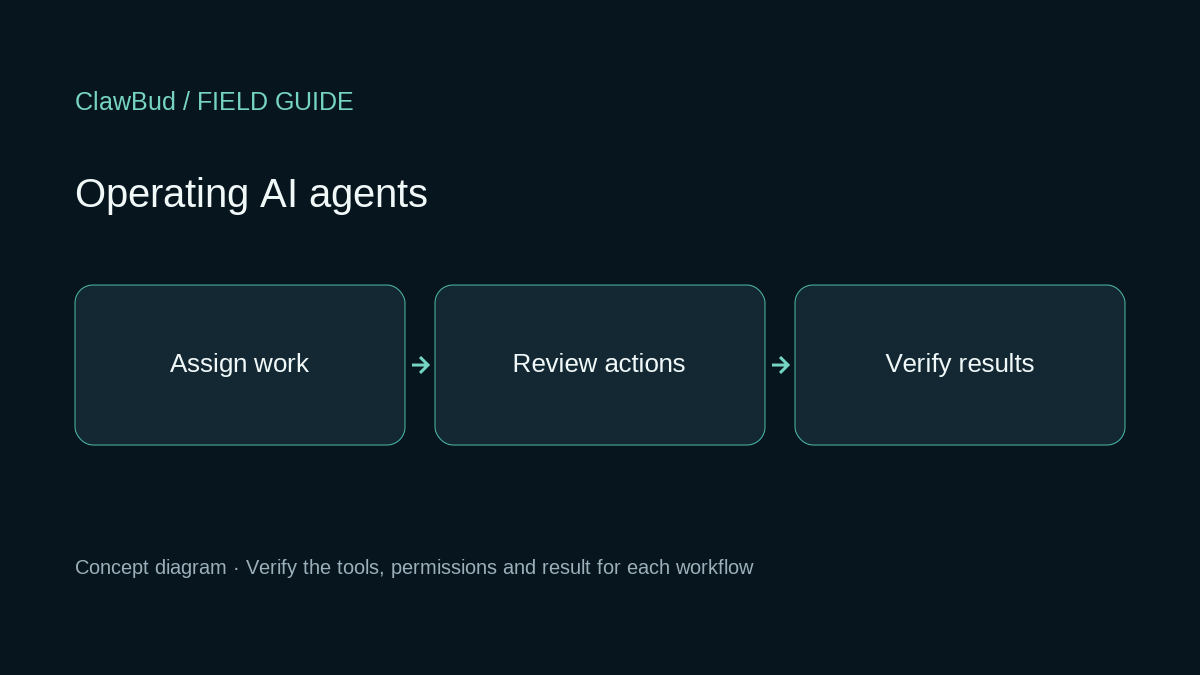
The image is a conceptual assignment, review and verification diagram. It is not a screenshot of a running agent or proof of a recovery result.