OpenClaw Skills and Tools: Installation and Review Checklist
· ClawBud editorial team
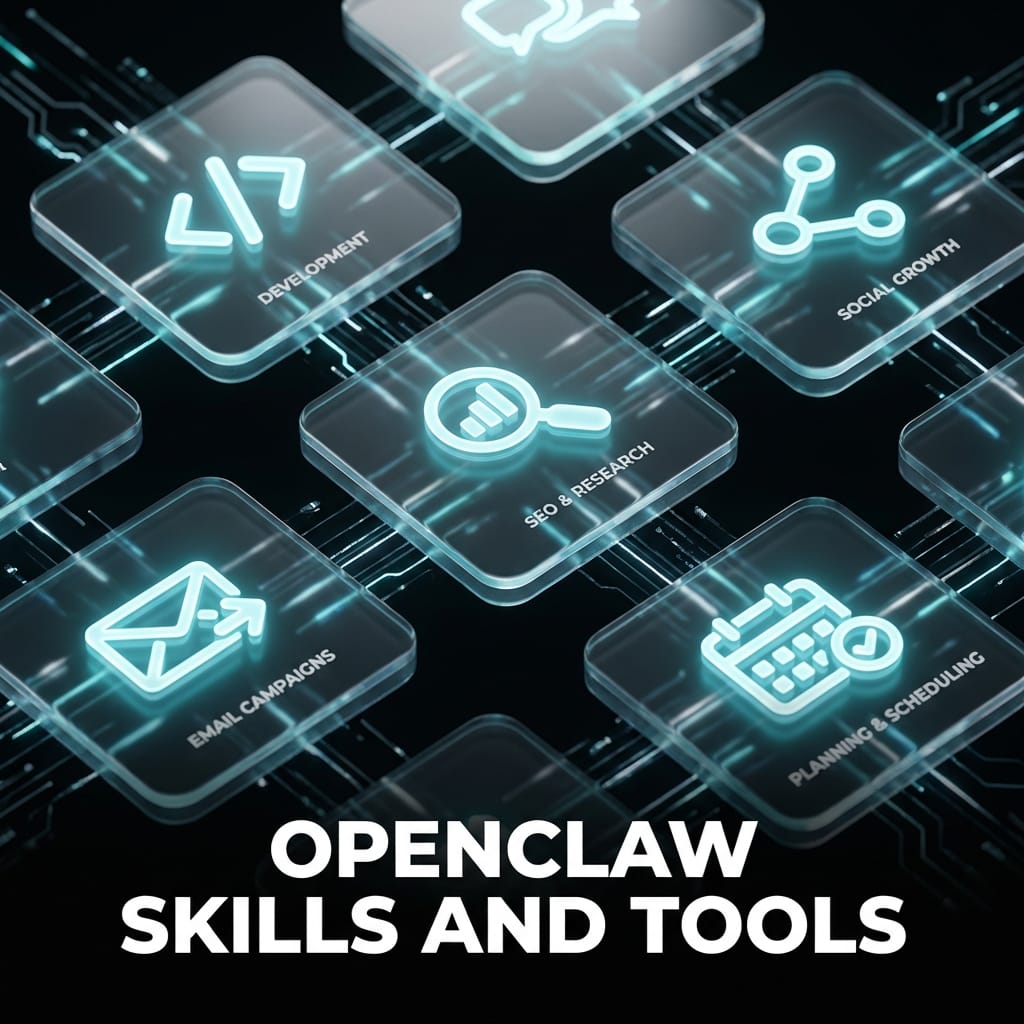
An OpenClaw skill supplies task instructions and may include scripts or reference files. Before enabling one, check its publisher, dependencies, requested credentials and the tools it will use.
This guide explains the skill format, registry, installation checks and examples of tasks to evaluate. The examples are requirements for a candidate skill, not claims that a named package has been installed or tested.
What Are OpenClaw Skills?
OpenClaw is an open-source runtime with tools, skills, sessions and memory features. Its actual actions depend on configured permissions, connected identities and the installed environment.
Skills guide the use of tools; they do not independently grant tool access or external-account permissions.
A skill contains a SKILL.md instruction file and may include scripts, references or templates. It can still require binaries, API credentials, configuration or review before the agent can use it.
Think of it like apps on a phone. The phone works without apps, but apps are what make it useful for anything specific. Skills are the apps for your OpenClaw agent.
How Skills Work
Every skill is built around a SKILL.md file. That file contains the agent's instructions: what the skill does, when to use it, what inputs it expects, how to execute the task, and what output to produce.
Skills can also include:
- Reference files with documentation, brand guides, or API specs
- Scripts for running automation, calling external APIs, or processing data
- Configuration templates that the agent fills in at runtime
The runtime exposes eligible skills according to its configuration. The agent may select the relevant instructions, but successful execution still depends on tools, permissions, inputs and verification.
Test each skill on a bounded task and inspect its actual tool calls and output before expanding access.
The ClawHub Marketplace
ClawHub is the official marketplace for OpenClaw skills. It is where the community and professional developers publish skills that any agent can install and use.
ClawHub is a public skills registry. Review the current publisher, version and security information for a candidate; common formatting does not prove compatibility or safety.
Installing a skill from ClawHub takes one command:
`
openclaw skills install @owner/skill-name
`
After installation, verify dependencies, credentials, runtime compatibility and the selected agent’s access. A package can be present without being eligible or usable.
You can also update installed skills to the latest version, publish your own skills, and sync your entire skills library in a single operation.
Categories of Skills and Real Examples
Here is a breakdown of the major skill categories and specific examples of what they enable your agent to do.
SEO and Content
This is one of the richest categories in ClawHub. OpenClaw agents with SEO skills can research keywords, write optimized articles, audit existing pages, and track search performance.
For a content-writing skill, require a clear brief, sources, accurate metadata and review before publication. A generated article still needs factual and editorial checks.
For a page-audit skill, require the fetched URL, observed title and headings, reproducible issues and specific proposed fixes. A score alone is not evidence of search performance.
For technical checks, require evidence for status codes, canonical tags, indexability, structured data and the actual rendered page.
For keyword research, separate observed query data from suggestions. Do not invent search volume or difficulty without a named data source.
Social Media and Content Distribution
Agents with social media skills can write platform-specific content, schedule posts, manage multiple accounts, and maintain a consistent publishing rhythm.
For social publishing, confirm the supported network, company identity, granted scopes and readback of the public result. Skill installation does not authorize a post.
For carousel work, verify the source material, brand assets and rendered slides. Inspect every slide before delivery.
For LinkedIn drafts, use actual source material and review the exact copy and account before publishing. Do not fabricate founder experiences.
Coding and Development
OpenClaw agents with coding skills can write, review, and debug code, manage GitHub repositories, and follow structured engineering methodologies.
For repository work, check the authenticated identity and repository permissions. Prefer narrow access and require review of changes before consequential release actions.
For engineering guidance, inspect the package’s actual instructions, source and tests. Do not infer a methodology or endorsement from a skill name.
For programmatic video, confirm the required renderer, assets and licenses, then inspect the exported output.
Research and Intelligence
For research tasks, require primary source links, dates, explicit uncertainties and a saved record that another reviewer can check.
For comparison work, define decision criteria and check current first-party product pages. Separate verified availability from an unmeasured feature.
For news summaries, identify the original source and publication date and distinguish the event date from the report date.
For document summaries, check supported input formats and compare important claims with the original material.
For audience research, identify the source of any actual query data and label editorial topic suggestions separately.
Automation and Operations
These skills handle ongoing tasks: monitoring, scheduling, data processing, and workflow orchestration.
For learning notes, record the observed mistake and accepted correction. Review changes to durable instructions; saving notes alone does not prove improved performance.
For news writing, require current primary sources, a complete draft and human review before publication.
For recurring publishing, verify the schedule, duplicate checks, approved destination and public readback. Preserve approval requirements for each account.
Security and Infrastructure
For a security check, obtain authorization for the target and inspect the scanner’s actual tests. A scan cannot establish that a system has no vulnerabilities.
For host maintenance, review the proposed settings and recovery path before changing network rules, SSH access or update policy.
For browser automation, use permitted access methods and respect the service’s rules. No browser package can guarantee undetectability or universal access.
Image and Video Generation
For generated images, confirm the available provider, supported output and current cost. Inspect the image for incorrect product claims or misleading details.
For generated video, confirm each media provider and required credentials, then inspect the exported picture, captions and audio.
For frame extraction, check the input rights, time range and output quality before using frames in another artifact.
GEO and AI Search Optimization
For search visibility work, require accurate visible content, working sources, crawlable pages and measurement of actual indexing and citations.
For AI-discovery work, require accurate answers, primary sources and measured citation checks. Content structure does not guarantee an engine recommendation.
Structured data should describe the visible content accurately. It does not independently establish authority or guarantee citations.
How to Install Skills from ClawHub
Use the commands supported by the installed runtime. Current upstream documentation uses openclaw skills for installation and updates, and the ClawHub CLI for publishing and sync. Check the installed version before copying a command.
To search for available skills:
`
clawhub search [topic]
`
To install a skill:
`
openclaw skills install @owner/skill-name
`
To update all installed skills to their latest versions:
`
openclaw skills update --all
`
To publish a skill you have built:
`
Follow the current registry CLI instructions with the actual package path, publisher identity and required metadata.
`
Check the installation location and selected agent’s eligible skills. Confirm the runtime’s refresh behavior; a new package does not necessarily appear in an already running session.
You can also install specific versions of a skill, which is useful for maintaining stability in production workflows.
Check skills in the ClawBud account
The account’s installed inventory, tool policy and credentials determine which skills can run. Check each required capability directly.
Do not treat registry access as an installed and ready skill library. Confirm the package, version, dependencies and account entitlement, then test the task with the intended agent.
Keep installation and runtime access separate from task acceptance. Require a saved result or independently checked system state before reporting that the skill worked.
Review updates before applying them in an ongoing workflow. Pin a known version where supported and repeat the acceptance check after changing code or dependencies.
Building Your Own Skills
ClawHub is not a read-only library. You can build and publish your own skills.
For a custom skill, document inputs, permitted tools, expected output and failure behavior. Review its scripts and dependencies before distributing it.
A custom skill can document internal workflows or APIs. Enforce permissions in the integration and test malformed inputs, denied actions and recovery; written instructions do not ensure consistent behavior.
Summary
Start with one authorized task and a reviewed skill. Keep a record of its version, dependencies and acceptance checks.
Treat security-scanning or browser packages as code with consequential permissions. Use only authorized targets and permitted access methods, and verify what the package actually does.
Adding a skill does not establish production readiness. Verify tool permissions, failure handling, logging and the final business outcome in the intended environment.
Review ClawBud and confirm the skills and tools available to the account before connecting a production workflow.