AI Agent Network Boundaries: Account Isolation and Agent Permissions
· ClawBud editorial team
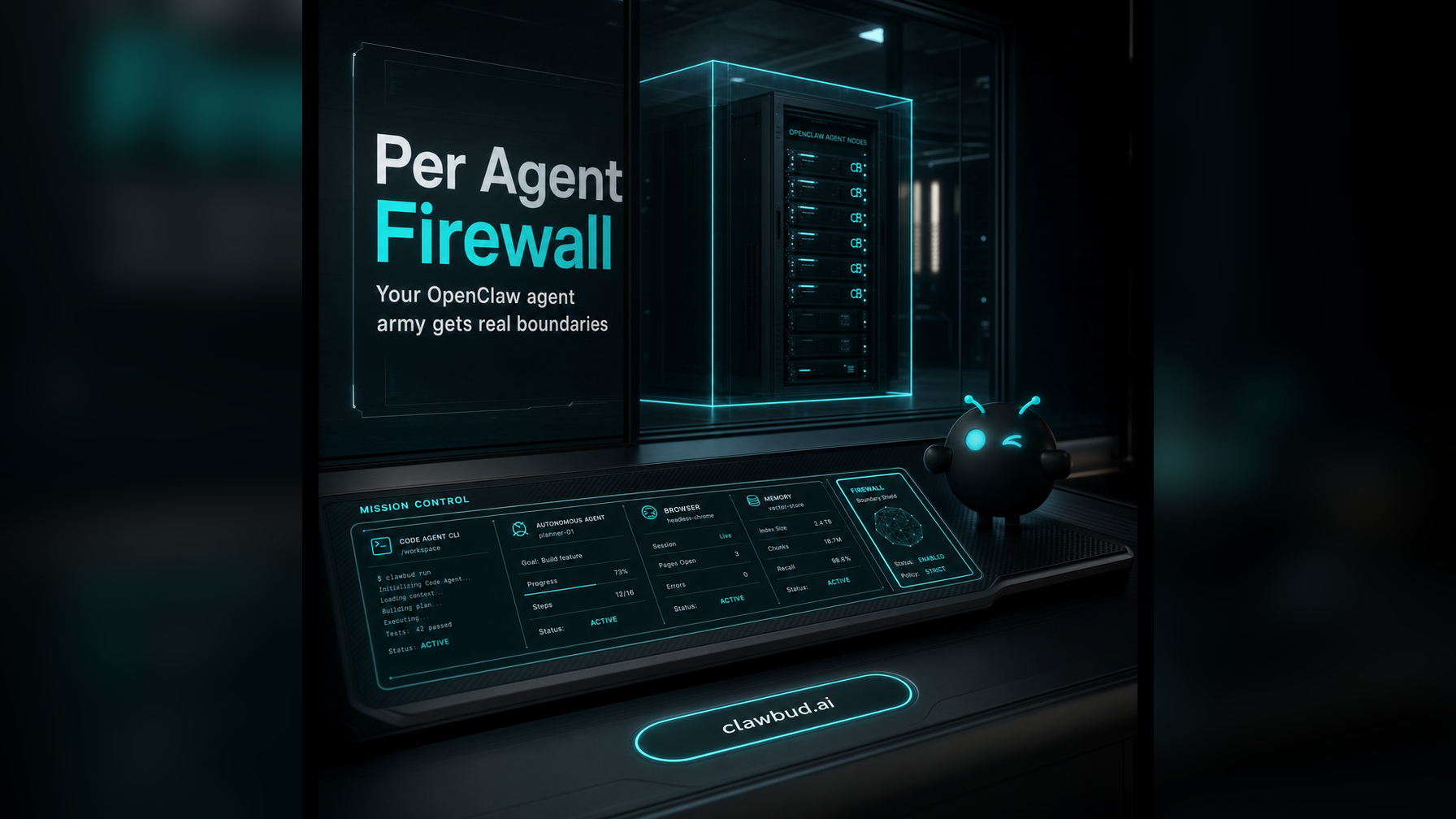
Updated October 24, 2026. This is a review of documented product scope, not a performance benchmark. Check current features and terms before choosing a service.
Network controls and agent permissions protect different boundaries. A firewall can restrict traffic for a host or sandbox. Tool permissions, filesystem access and credential scope determine what an agent can do inside that environment.
Start with the account boundary
Document which account owns the computer and which agents share it. Define separate service identities for business systems where appropriate. Scope each integration to the smallest set of records and actions needed.
Verify agent-level restrictions
If you enable a per-agent sandbox or network policy, test denied access as well as allowed access. A different browser profile, workspace or agent name is not proof of operating-system isolation. A policy is useful only when the runtime enforces it.
In ClawBud
ClawBud provides a private cloud computer per account. Agents in an account can share its VM, gateway, tools and provider credentials. Separate workspaces and conversations do not by themselves provide a security boundary. Additional managed isolation applies only where it is explicitly enabled.
Practical review
- List shared files, browser state, tools and credentials.
- Grant only the read and write operations the role needs.
- Test a prohibited file and an unauthorized service request.
- Record which policy rejected the request and repeat the check after changes.
See the OpenClaw security documentation and the agent permissions guide.