Space Agent Guide: A Visual Workspace for Your OpenClaw Agent Army
· ClawBud editorial team
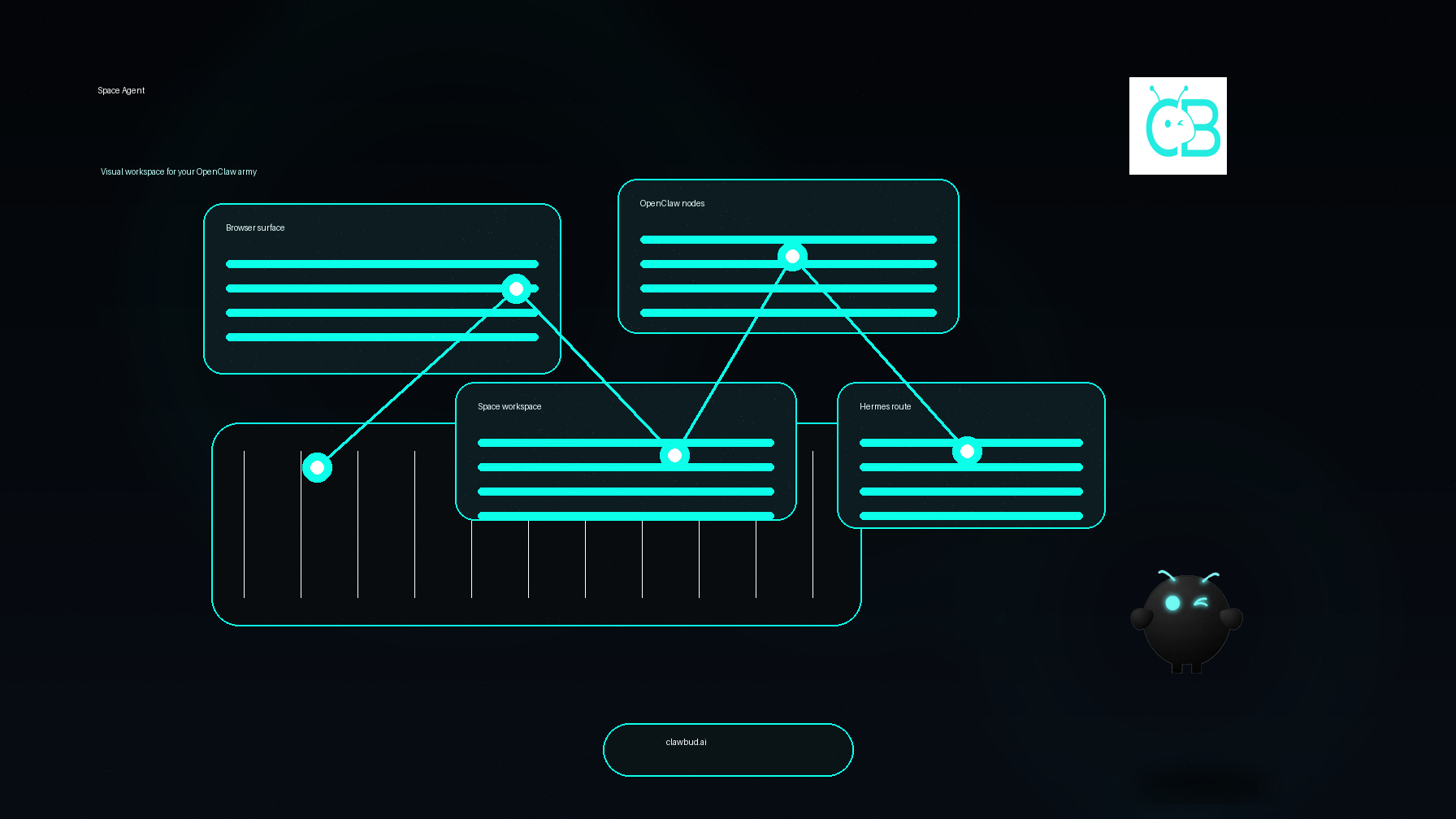
Space Agent is one of the clearest examples of where ClawBud is going.
A browser workflow needs more than a final summary. Record the pages inspected, files produced, unresolved questions and actions awaiting approval.
ClawBud provides a private cloud computer per account. Agents in an account can share its VM, gateway, tools and provider credentials. Separate workspaces and conversations do not by themselves provide a security boundary. Additional managed isolation applies only where it is explicitly enabled.
Space Agent provides a browser-first workspace in ClawBud. It runs on the account computer; standard agents in that account share the VM and gateway. A separate browser display is not a separate agent VM.
This guide explains what Space Agent does, who it is for, where it sits inside the agent army, what tier it belongs to, what to watch out for, and how to use it without confusing it with code agents like Claude Code, Codex, Gemini CLI, or OpenCode.
Table of Contents
- What Space Agent is
- Why Space Agent exists
- How it fits inside your ClawBud agent army
- Space Agent versus code agents and CLIs
- Tier and availability
- Three practical use cases
- Risks, boundaries, and approval rules
- FAQ
What Space Agent is
Space Agent is a ClawBud agent surface for visual, workspace-style autonomous work.
Space Agent is a separate browser-first runtime surface. OpenClaw and Hermes have their own state and tool configuration. Confirm which runtime owns the task before sharing files, credentials or approval state.
In practical terms, Space Agent is the place you use when the work needs a richer operating space than a prompt box. It is built for tasks where the agent may need to reason across context, use browser-like surfaces, move between tools, and keep a visible working environment instead of disappearing behind a reply.
The current application includes Space Agent installation and browser-view routes for accounts with the required multi-agent capability. Check the account catalog and installation status before assigning work; an available route does not prove a particular browser workflow has passed its checks.
The simple map:
- OpenClaw: core autonomous agent runtime.
- Hermes: an independent runtime with its own tools, memory and delegation features.
- Space Agent: visual workspace-style agent work.
- Code agents and CLIs: software development and terminal-first coding tasks.
- Business tools: confirm the CRM or business-workspace integration and account access required for the task.
- Real browser: lets agents operate in real web environments.
Space Agent belongs in the middle of this system. It gives the army another place to operate.
Why Space Agent exists
There is a limit to what a chat interface can explain.
If you ask an agent to research a competitor, compare pricing pages, check product copy, gather examples, update a plan, and prepare a recommendation, the final answer is only one part of the job. You also care about the workspace behind it. What did the agent look at? What changed? What is still open? Which part needs your approval?
That is where the Space Agent idea becomes useful. It pushes agent work toward a visible operating environment instead of a hidden response pipeline.
ClawBud provides a private computer assigned to the account. Confirm the supported runtimes, integrations, memory stores and wallet controls before relying on them. A container or VM label alone does not establish the controls of a deployment.
This is also why ClawBud keeps separating autonomous agents from code agents. A code agent can be excellent at software work and still be the wrong tool for sales operations, research workflows, lead review, admin work, browsing, CRM cleanup, or recurring business tasks. Space Agent is for that broader operating layer.
How it fits inside your ClawBud agent army
ClawBud’s positioning is simple: Your own cloud-native agent army.
The account catalog determines which additional runtimes and tools are available. Check installation requirements, resource use and any subscription gate for each worker.
Space Agent’s role is to give the army a spatial work surface. It helps when a task feels less like “answer this” and more like “work through this environment.”
A healthy agent army usually has several modes:
- Chat and command: quick instructions, summaries, approvals, and questions.
- OpenClaw autonomous work: ongoing tasks, tool use, channel responses, and workflow execution.
- Hermes: configured tool use and delegation within its own runtime.
- Space Agent: visual workspace tasks and browser-adjacent work.
- Code agents: repo work, code changes, debugging, tests, and CLI flows.
The mistake is treating every agent as one universal worker. That sounds tidy, but it breaks fast.
A sales agent does not need to behave like Codex. A coding CLI does not need to own your CRM. A browser-capable research worker should not be forced into a plain chat loop. Space Agent exists because the work deserves a better container.
Space Agent versus code agents and CLIs
This distinction is worth making bluntly.
Claude Code, Codex, Gemini CLI, and OpenCode are code agents or coding CLIs. They are strongest when the work lives in files, repositories, terminal commands, tests, diffs, and engineering workflows.
OpenClaw, Hermes, Space Agent, Automaton, NemoClaw, Goose, and DeerFlow are autonomous agent layers. They are better framed as workers inside an operating system for agentic work. Some can touch code. Some can browse. Some can coordinate. Some can run workflows. The point is that their job is broader than editing a repo.
Space Agent is not trying to beat Codex at code. That would be the wrong category. Space Agent is for visual, browser-connected, workspace-style operations inside the ClawBud Agentic OS.
Use a code agent when the job is changing a function, reviewing a pull request, debugging a failing test, installing a package, explaining a stack trace, or refactoring a repo.
Use Space Agent when the job is working through web research, comparing pages or dashboards, keeping task context visible, operating with a real browser surface, preparing a business workflow for review, or coordinating with other agents inside the agent army.
That separation keeps the system sane.
Tier and availability
Check Space Agent in the account catalog and confirm its installation status. The current application routes require multi-agent capability.
Other runtimes, knowledge features, wallets and CRM tools may have separate access requirements. Verify each against the current account rather than inferring access from another installed agent.
ClawBud lists BYOK at $20 per month, Starter at $39, Pro at $79 and Business at $169. BYOK uses the customer’s model-provider keys. Confirm included credits, channel access and any separately gated runtime or feature at the current checkout.
For Space Agent, check the browser session, resource limits and task-state storage available on the account computer. Standard agents share the account VM and gateway.
Three practical use cases
1. Competitive research without losing the trail
Space Agent is useful for competitive research because the browser path matters.
Use current primary pages for competitive research. Save source URLs and the date checked, and distinguish a missing public statement from a feature the vendor does not offer.
Example mission:
Compare four agent platforms. Track whether each offers a dedicated computer, OpenClaw support, browser access, firewall boundaries, managed setup, and customer support. Return a short table and a positioning recommendation for ClawBud.
Why Space Agent fits:
- It can operate through a browser-style flow.
- It keeps the work tied to real pages.
- It can hand off findings to OpenClaw, Hermes, or a marketing workflow.
- It supports review before public claims are made.
The boundary is simple: do not let the agent publish, message competitors, or edit live pages without explicit approval.
2. Operations review across messy web tools
Most businesses run on web tools that do not share one clean API. CRM, inbox, analytics, docs, ticketing, forms, payment pages, dashboards. The work is spread everywhere.
Space Agent is useful when the agent needs to inspect several web surfaces and prepare an operational answer.
Example mission:
Review today’s support signals across the approved dashboards. Identify urgent customer issues, summarize patterns, and propose the top fixes. Do not contact customers. Do not change settings.
Why Space Agent fits:
- It can work in a visual environment.
- It supports browser-adjacent review.
- Require source URLs, timestamps and saved artifacts in the handoff.
- It can escalate tasks into the wider agent army.
This is where ClawBud’s full dedicated computer matters. The agent is not just borrowing a prompt window. It has an operating environment built for long-running work.
3. Content and launch preparation with human approval
Space Agent can also help with launch work.
For a proposed feature launch, gather approved product notes, current posts and permitted page references. Choose a worker with the tools needed for that task, then keep the draft separate from publishing authority.
Example mission:
Prepare a Space Agent launch brief. Review the latest wiki notes, current pricing, recent blog posts, and product positioning. Draft a launch checklist, social angles, and FAQ. Do not publish.
Why Space Agent fits:
- The work mixes research, browsing, memory, and planning.
- It benefits from a visible workspace.
- It can coordinate with OpenClaw and Hermes.
- It keeps the human in the approval loop.
That last point matters. Good agent systems do not remove judgment. They move repetitive work to the agent army while keeping risky actions behind human approval.
Risks, boundaries, and approval rules
Space Agent gives an autonomous worker a richer environment. That is powerful, and it needs boundaries.
The first rule: autonomy is not the same as permission.
An agent can research, draft, compare, summarize, and prepare. It should not make irreversible external changes unless the user explicitly approved the action. That includes publishing content, sending messages, changing billing settings, modifying production systems, deleting files, or triggering customer-facing actions.
The second rule: browser access is not trust by itself.
A real browser helps the agent work with live information. It does not guarantee that every page is correct, current, or safe. The agent still needs source checks, clear instructions, and approval gates.
The third rule: use the right worker for the job.
Choose a runtime from its installed tools and the task. Check whether delegation, browser access and business-system credentials are configured; give each action a clear owner and approval rule.
Setup checklist
Before giving Space Agent a serious task, use this checklist:
- Confirm the goal is visual, browser-connected, or workspace-style work.
- Decide what sources the agent may use.
- State what it must not change.
- Add an approval line for external actions.
- Choose the output format.
- Keep code-heavy tasks with code agents and CLIs.
- Keep customer-facing actions behind human review.
- Save useful findings into Memory Wiki when that feature is enabled for your account.
- Use Hermes or Agent Orchestra when multiple workers need to coordinate.
A strong first Space Agent mission should be narrow. Let it build trust on a contained workflow before you give it broader operational responsibility.
FAQ
Is Space Agent the same thing as OpenClaw?
No. OpenClaw is the core autonomous runtime inside ClawBud. Space Agent is a visual workspace-style agent surface inside the wider ClawBud Agentic OS. They work together, but they are not the same layer.
Is Space Agent a chatbot?
No. ClawBud is not a chatbot, and Space Agent is not meant to be another reply box. It is part of a cloud-native agent army running on your own full dedicated computer.
Does Space Agent replace Claude Code or Codex?
No. Claude Code, Codex, Gemini CLI, and OpenCode are code agents or coding CLIs. Use them for repo work, terminal tasks, debugging, and software changes. Use Space Agent for visual workspace and browser-adjacent operations.
What tier includes Space Agent?
Current application routes require multi-agent capability. Confirm Space Agent appears in the account catalog and that installation has completed before depending on it.
Why does Space Agent need a full dedicated computer?
Check browser support, persistent storage, resources and access controls. These can be configured on different hosting architectures. ClawBud assigns a private computer to the account; it does not assign a separate VM to each standard agent.
Can Space Agent use a real browser?
Space Agent is tied to ClawBud’s broader real browser and workspace direction. The May platform notes mention native browser display work for Space Agent. The practical result is that Space Agent belongs in workflows where browser-visible work matters.
Is Space Agent safe for external actions?
Researching, drafting, and preparing work are normal. Publishing, messaging, changing settings, spending money, deleting data, or touching production systems should require explicit approval.
How does Space Agent fit with Hermes?
Hermes is an independent runtime that can delegate work through its configured tools. If work crosses runtimes, define an explicit handoff and confirm the account supports the connection; a shared host does not automatically share memory or approval state.
Start with ClawBud
If you want an agent that only answers questions, any chatbot can do that.
Start with ClawBud at clawbud.ai.