Space Agent: Browser Workspace and Account Checks
· ClawBud editorial team
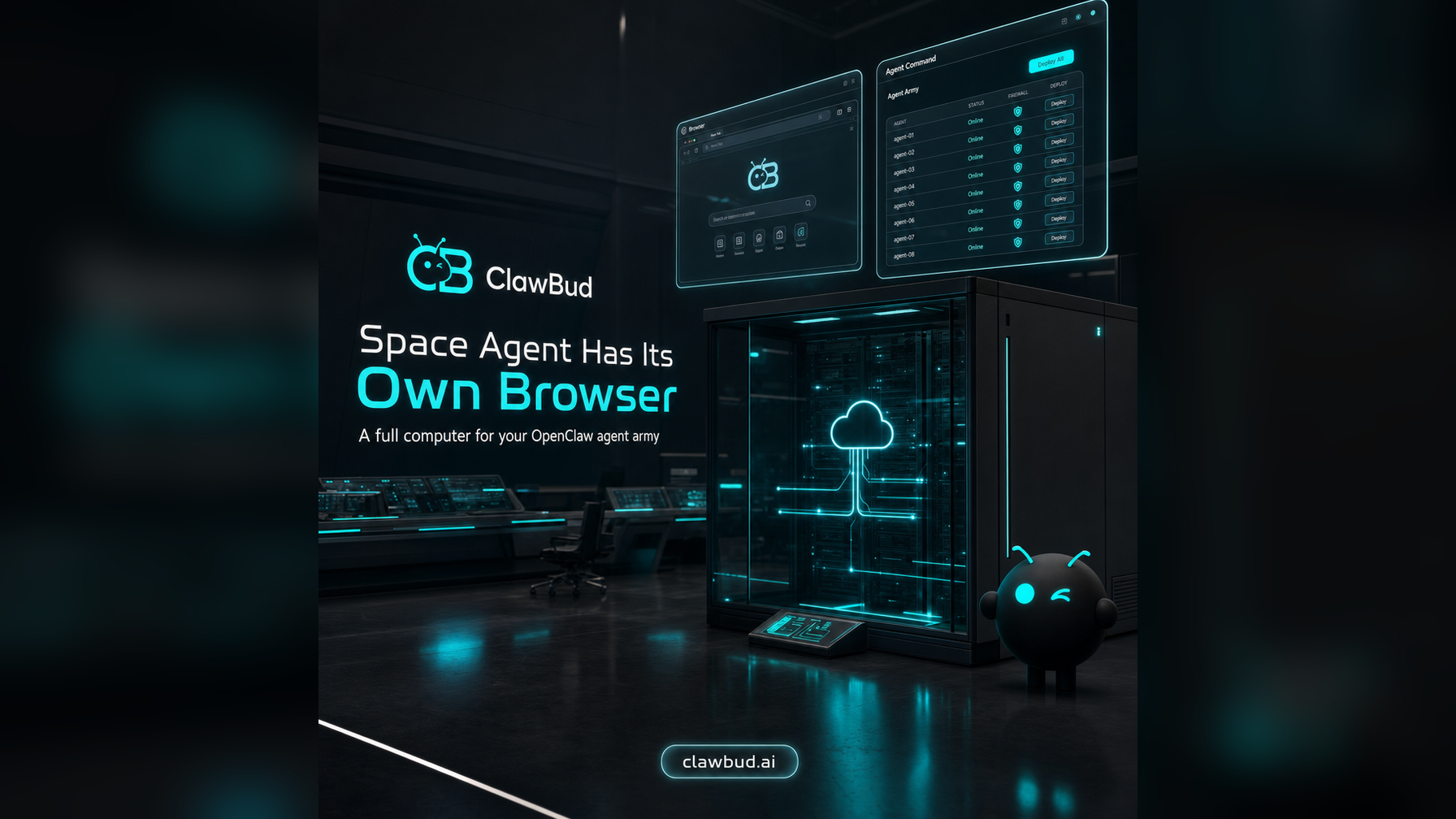
ClawBud provides a private cloud computer per account. Agents in an account can share its VM, gateway, tools and provider credentials. Separate workspaces and conversations do not by themselves provide a security boundary. Additional managed isolation applies only where it is explicitly enabled.
That explains why Space Agent matters.
A browser-connected workflow needs a clear task, authorized accounts and a saved record of what changed.
Space Agent is a browser-first runtime surface in ClawBud. It can use a visual workspace on the account computer. Check its installation, browser access and permissions before assigning a task.
That shift sounds small until you watch it happen. The moment an agent gets its own browser, the job changes from answering to doing.
What Is a Space Agent?
Space Agent runs as a separate browser-first runtime surface on the account computer. Standard OpenClaw agents share that account VM and gateway; a separate browser display does not create a separate VM.
Think of it as a private digital workstation for autonomous work.
The current application supports a Space Agent browser view on a separate display of the account VM. Confirm the installed tools, connected accounts and permitted actions; managed host setup does not grant business-system permissions.
That matters because real work rarely happens in one API. A chat-only tool can describe the steps. A Space Agent can actually move through them.
Why the Browser Changes Everything
Browsers are where modern work lives.
Your SaaS apps live there. Your admin panels live there. Your analytics tools live there. Your documentation, billing pages, inboxes, forms, dashboards, and lead sources live there too.
When an OpenClaw agent has a real browser, it can interact with the same surface your team already uses. It can inspect a page visually, click through flows, compare states, grab context from pages that do not have a clean API, and handle work that would otherwise require a human tab-hopping for twenty minutes.
APIs are still better when they exist and are stable. But the browser is the fallback that makes an agent practical in the messy real world. In ClawBud, Watch Agent lets you see what the agent is doing in real time and step in when needed. Autonomous does not mean blind.
Check the configured environment
Containers can support persistent workloads when storage, resources and policies are configured for them. Compare the deployment against the browser task’s actual requirements.
Inspect browser-profile persistence, session expiry, CPU and memory limits, concurrent work and network policy. Measure the workflow in the intended environment before expanding it.
ClawBud assigns a private computer to the account. Confirm which runtimes and tools are available and how their files, credentials and resources are shared.
This is the product direction that matters: not one assistant in a chat window, but a cloud-native agent army with its own machine to work from.
Verify network and tool restrictions
Autonomous agents need boundaries.
An autonomous agent with a browser, tools, memory, and connected accounts has real reach. It can access services, move data, and execute steps inside workflows. That is powerful, and power needs edges.
Choose the runtime and tools for the task
This is where people mix things up.
Codex, Claude Code, and other coding CLIs are excellent at software work. They can inspect code, edit files, run tests, reason through bugs, and help ship faster. They are code agents, and they belong in the agent army.
But a code CLI is not the whole army.
An autonomous OpenClaw agent can coordinate work outside the repo. It can use a browser, work across business tools, remember operational context, answer messages, monitor dashboards, and hand off tasks. It can call a coding agent when the task becomes technical, but it is not limited to code.
That is the architecture ClawBud is built around. Use OpenClaw for broad autonomous work. Use Codex or Claude Code for deep code execution. Use Space Agent for browser-heavy workflows. If you want the deeper comparison, read OpenClaw vs Hermes vs Codex. A serious agent setup is a working system.
What Space Agent Is Best For
Space Agent is strongest when the task touches real web products, not just text.
Good fits include dashboard checks, competitor research, SaaS tools without clean APIs, form review with human oversight, screenshots, browser preview checks, and workflows that move between email, CRM, docs, and internal tools.
The pattern is simple: if a human would normally open five tabs to complete the work, a Space Agent is probably useful.
How ClawBud Makes It Practical
You can self-host OpenClaw if you want to own every piece of the setup. For some technical teams, that is the right call.
Most people do not want that job.
ClawBud is for the person or company that wants the outcome: an OpenClaw agent or agent army running on a dedicated cloud computer, with a browser, memory, tools, a dedicated firewall, and support, without turning setup into a weekend infrastructure project.
You choose a plan, bring your own keys if needed, and launch. The ClawBud pricing page shows the path from BYOK to managed plans. If you are comparing options, the key question is not “Can this answer prompts?” The question is “Can this run real work safely, visibly, and repeatedly?”
Choose the environment whose controls and operating responsibilities fit the workflow.
Start With One Space Agent
The best way to adopt autonomous agents is not to automate the whole company on day one. That is how teams create expensive chaos.
Start with one workflow that already hurts.
Pick something browser-heavy, repetitive, and valuable enough to matter. Give the agent a clear job. Watch it. Tighten the instructions. Then decide whether the next worker should be another Space Agent, a coding CLI, an automation agent, or a more general OpenClaw operator.
ClawBud gives that worker a real place to live.
Start with ClawBud and launch your own cloud-native agent army in one click.
FAQs
Is Space Agent a chatbot?
Space Agent is a browser-first runtime surface. Whether it can act on a web service depends on its connected account, installed tools and policy.
Does ClawBud run OpenClaw?
Yes. ClawBud is built around managed OpenClaw agents and expands that foundation into your own cloud-native agent army on a dedicated computer.
Why does an agent need its own browser?
Because many real workflows happen inside web apps. A browser lets the agent inspect pages, use dashboards, collect evidence, and work with tools that do not have clean APIs.
What is the difference between a code agent and an autonomous agent?
A code agent or CLI is built mainly for software work: editing files, running tests, and helping ship code. An autonomous OpenClaw agent can coordinate broader work across browsers, tools, messages, memory, and other agents.
Why is a dedicated firewall important?
Network policy can restrict destinations when configured and enforced. Standard agents share the account VM and gateway. Additional managed isolation is restricted to approved accounts through the customer API; verify the account’s enabled controls.
Do I need technical skills to start?
No. ClawBud is designed for one-click setup, with managed infrastructure and support. You can start with one OpenClaw agent and grow into a larger agent army over time.