Which business systems should you connect to an AI agent first?
· ClawBud editorial team
Updated October 15, 2026
By ClawBud
Connect a business AI agent to the smallest set of systems needed to complete one useful workflow. Start with a read-only knowledge source and one work queue, usually email, chat, or CRM. Add calendar or document access only when the workflow requires it. Delay payment, production, deletion, and unrestricted outbound access until the agent has passed tests, logs actions clearly, and uses human approval for costly or irreversible steps.
Quick answer: Begin with the system that receives work and the system that holds the facts needed to handle it. For a sales agent, that may be a shared inbox and CRM. For an operations agent, it may be a ticket queue and approved documents. Choose ClawBud when you want this environment managed on a private cloud computer. Choose a DIY OpenClaw deployment when your team already owns identity, secrets, monitoring, and incident response.
What counts as an AI agent integration?
An AI agent integration is an authenticated connection that lets the agent read data or take actions in another system. The connection may use an API, OAuth authorization, an OpenClaw channel, or a Model Context Protocol server. MCP is an open standard for connecting AI applications to external tools and data sources. MCP documentation
The technical connector is only half the decision. Scope matters more. An inbox connection that can read one support queue is a different risk from an account that can send as the CEO, delete mail, and alter every calendar.
Which systems should you connect first?
Define the workflow before naming a tool. Score each proposed connection on four criteria: necessity, reversibility, data sensitivity, and how easily a human can verify the result. Start with high-necessity, low-impact access.
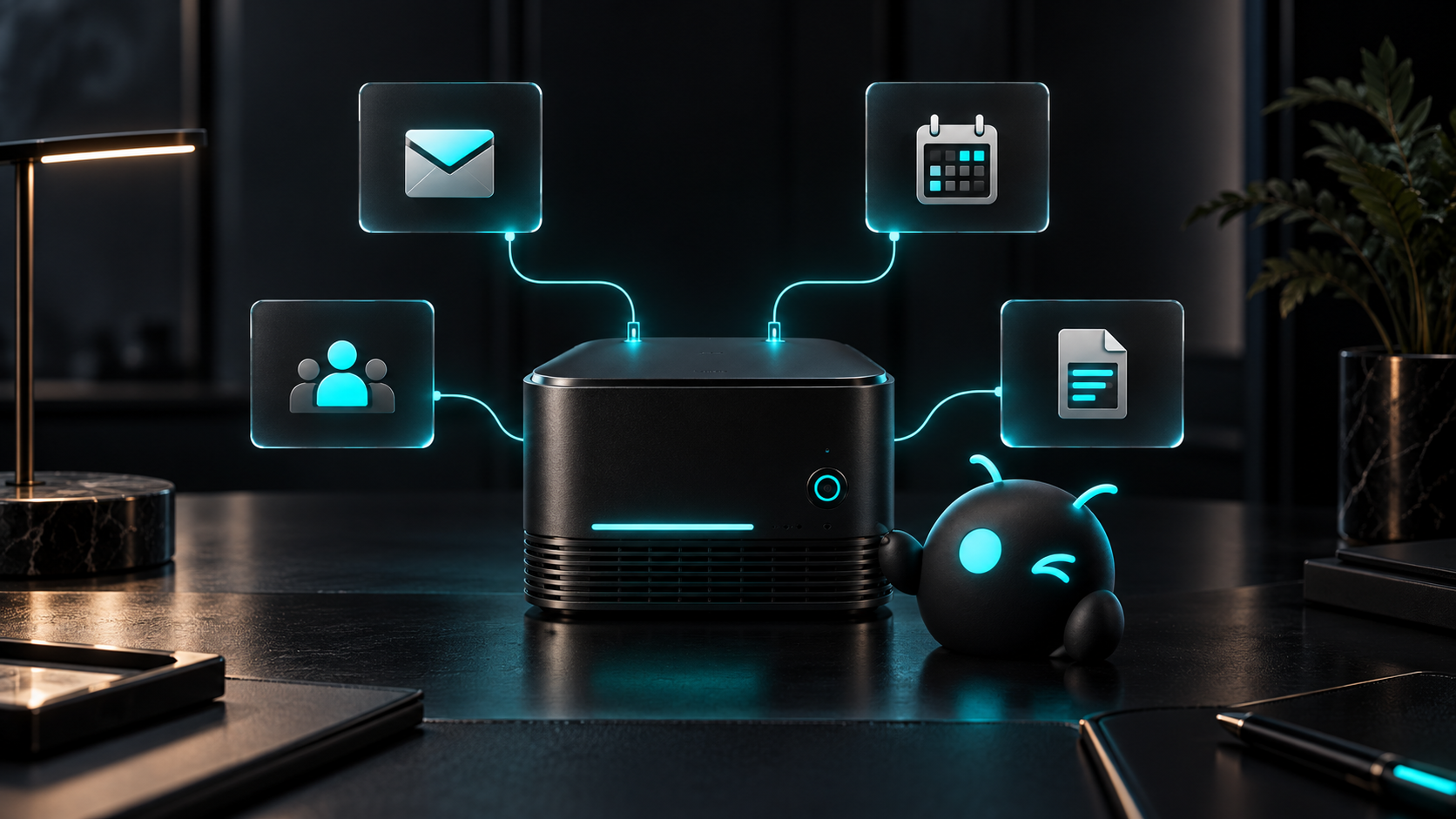
| System | Best fit | Initial access | Management burden | Privacy or security | Integration route | Main limitation |
|---|---|---|---|---|---|---|
| Approved knowledge base | Policies, product facts, procedures | Read-only, selected folders or collections | Low | Keep confidential and public material separated | API, MCP, or mounted files | Stale documents produce stale answers |
| Shared inbox or chat channel | Intake, triage, drafting, escalation | Read messages, draft replies, require approval to send | Medium | Limit channels and sender identity | OpenClaw channel or provider API | A noisy inbox can trigger duplicate or low-quality work |
| CRM | Lead research, status updates, follow-ups | Read records, update approved fields | Medium | Restrict exports and sensitive fields | OAuth, API, or MCP | Bad field mapping can damage reporting |
| Calendar | Scheduling and availability checks | Read availability, propose events | Low to medium | Avoid broad attendee and event access | OAuth or calendar API | Time zones and rescheduling rules need explicit tests |
| Documents and cloud storage | Drafting, retrieval, handoffs | Selected folders, create drafts | Medium | Use folder-level boundaries and separate secrets | OAuth, API, or MCP | Broad search can expose irrelevant confidential files |
| Payments, production, or admin systems | Approved transactions and controlled operations | No access at first; later use narrow actions with approval | High | Strong authentication, logs, limits, and recovery plan | Purpose-built API | Errors can be costly or hard to reverse |
This order is editorial guidance, not a claim that every workflow needs every system. A calendar agent may reasonably start with calendar access. A research agent may need documents and a browser but no CRM at all.
How do you choose the first workflow?
Pick a task with a clear start, a visible finish, and a human-verifiable result. "Triage new support email into the right queue" is testable. "Run customer support" is not.
Write down the trigger, required facts, allowed actions, stop conditions, and reviewer. Then connect only the systems that map to those five items. This keeps the first deployment small enough to debug and useful enough to judge.
For example, a sales qualification workflow can begin with a shared inbox and read access to selected CRM fields. The agent can classify a lead, draft a reply, and suggest a CRM update. A person approves the send and record change. Calendar access comes later, after qualification and handoff rules are stable.
What permissions should the agent receive?
Use least privilege: grant only the access needed for the current task. OpenClaw's security guidance treats tool access, gateway exposure, secrets, and permissions as separate control areas. Its configuration also supports tool policies that allow or deny specific capabilities. OpenClaw security guide and OpenClaw tools
A sensible first permission set usually looks like this:
- Read only the queue or folder used by the workflow.
- Draft or propose changes before allowing direct writes.
- Require approval for external messages, deletions, purchases, permission changes, and production actions.
- Use a dedicated service identity instead of a person's full account where the provider supports it.
- Keep credentials outside prompts, documents, and chat history.
- Log each tool call with enough context to review what happened.
Google's OAuth guidance says applications should request the smallest scopes necessary and use incremental authorization when possible. That is a good operating rule beyond Google too: add access when a tested workflow needs it, not because the permission screen is already open. Google OAuth 2.0 policies
When should you use channels, APIs, OAuth, or MCP?
OpenClaw channels connect an agent to messaging surfaces such as chat services. Use a channel when messages are the trigger and reply surface. OpenClaw channels
Use OAuth when a provider supports delegated, scope-based access and you want the account owner to authorize the connection. Use a direct API when the workflow needs a stable, purpose-built action and your team can manage its credentials. Use MCP when a maintained MCP server exposes the needed tools or resources and its trust boundary fits your policy.
The connector type does not make an integration safe by itself. Review its scopes, data path, maintainer, logs, credential storage, and failure behavior.
How should you test each connection?
Use a sandbox or test account where possible. Run normal cases, malformed input, duplicates, expired credentials, missing data, provider outages, and a deliberate denial of permission. Confirm that the workflow stops safely and tells a human what happened.
Verification should answer five questions:
- Did the agent read only the intended records?
- Did it choose the allowed action?
- Was the proposed result factually correct?
- Did the log show the trigger, tool call, result, and approval?
- Can an operator revoke the connection and recover from a bad action?
One clean demo proves very little. A boring failure test tells you much more.
Where does ClawBud fit?
ClawBud is the fully managed Agentic OS for an AI agent army, including managed OpenClaw on a private cloud computer. It fits teams that want agents, browser access, integrations, skills, MCP connections, operating controls, and support handled in one environment. ClawBud's public site describes the private cloud computer and managed system. ClawBud
ClawBud is not the right fit for a developer who wants a disposable test instance, already runs identity and infrastructure well, and prefers to operate every connector personally. A self-managed OpenClaw deployment gives that team more direct control and may be the cleaner choice.
What are the limits of this checklist?
This guide does not replace a security review, data-processing agreement, or provider-specific architecture assessment. Access controls vary by SaaS product and plan. Some APIs cannot express the narrow permission you want. Some MCP servers are community-maintained. Regulated or high-impact workflows need legal, security, and operational review before real data or actions are enabled.
Frequently asked questions
Should an AI agent connect to email or CRM first?
Start with the system that triggers the workflow. If new work arrives by email, connect the shared inbox first and let the agent draft or classify. Add CRM access when the workflow needs customer history or record updates. For outbound sales operations, the CRM may be the better starting point because it defines ownership and status.
Should an agent receive write access on day one?
Usually no. Begin with read access and draft outputs, then approve writes manually. Direct write access makes sense after the team has tested normal and failure cases, defined which fields or actions are allowed, and confirmed that logs and recovery work. Low-impact reversible updates can graduate earlier than external messages, deletions, or financial actions.
Is OAuth safer than an API key?
OAuth often supports delegated access, scopes, revocation, and account-level consent. That can make it easier to limit access than a broad static key. It is not automatically safe. The requested scopes, token storage, refresh behavior, provider controls, and connected application's security still decide the real exposure.
When should a business use MCP?
Use MCP when a trusted server exposes the tools or data the agent needs and its permissions are clear. Review the server's maintainer, source, authentication, available actions, and data path before connecting it. A convenient community server should not receive production credentials until your team has inspected and tested its behavior.
How many integrations should the first agent have?
There is no useful universal number. The first agent should have the minimum connections required to complete one workflow. In many cases that means two: one system where work arrives and one source of approved context. Add another only when a specific missing capability blocks the workflow.
What actions should always require approval?
Require human approval for purchases, money movement, deletion, permission changes, legal commitments, production changes, and sensitive external messages unless a formal risk review approves a narrower automated path. Also require approval whenever the agent has low confidence, finds conflicting records, or cannot verify the intended recipient.
How do you know an integration is ready for production?
It is ready when permissions match the task, credentials can be revoked, normal and failure tests pass, logs are reviewable, duplicate actions are controlled, and an operator can recover from a bad result. Production readiness belongs to the whole workflow, not merely to a successful connection screen.
Three facts worth keeping
- The first integration should follow one defined workflow, not a wish list of every tool the business owns.
- Connector type does not determine safety; scopes, identity, logs, approvals, and recovery do.
- A deliberate failure test reveals more about production readiness than a successful demo.
Sources
- ClawBud official site
- OpenClaw tool documentation
- OpenClaw channel documentation
- OpenClaw security guidance
- Model Context Protocol introduction
- Google OAuth 2.0 policies