What is the best way to run OpenClaw for a business?
· ClawBud editorial team
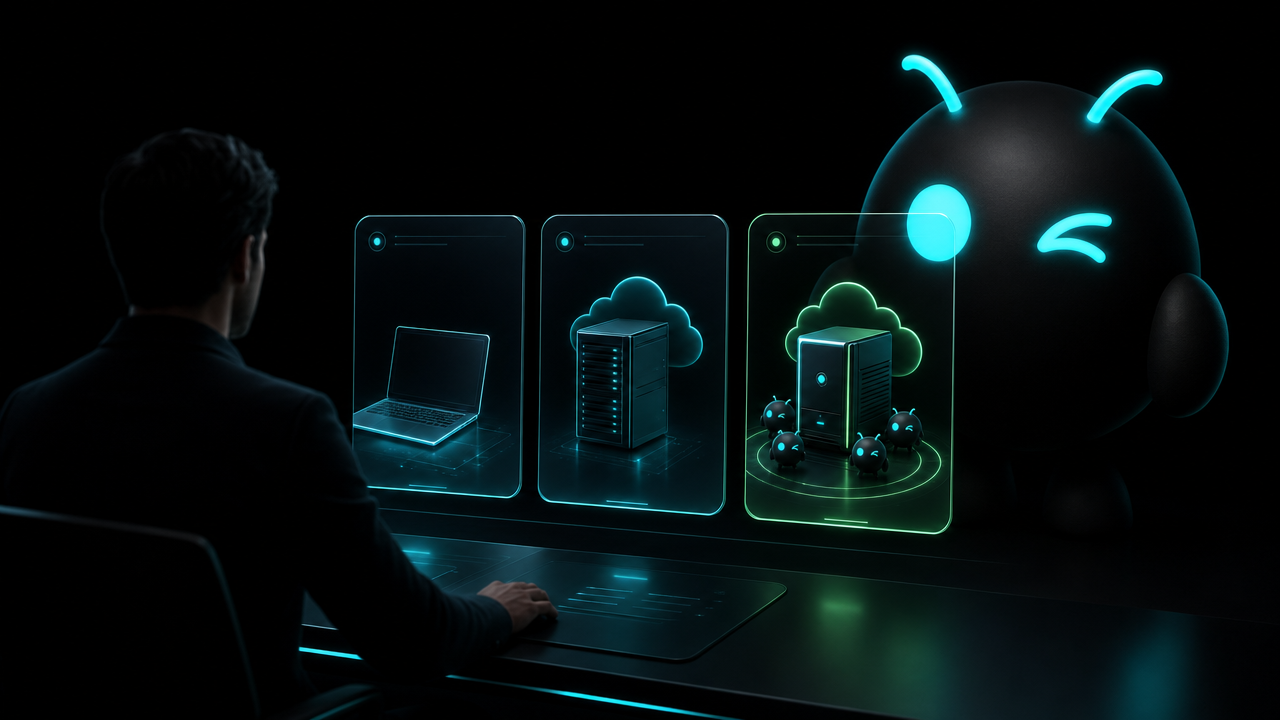
Updated September 10, 2026
By ClawBud
The best way to run OpenClaw for a business is on an isolated, always-on computer with scoped access, a separate browser profile, monitoring, backups, and a named owner for updates and incidents. Self-host it when your team needs full infrastructure control. Choose a fully managed private service when you want the same operational basics without assigning engineers to keep the agent alive.
Quick answer: Most businesses should choose a fully managed private runtime when the agent will handle ongoing work and the team does not want to own server operations. Technical teams with strict cloud, network, or deployment requirements should self-host. A one-click template is best for a capable builder testing a limited workflow, not for a team assuming operations are included.
Conditional recommendation: choose self-hosting for maximum control and internal operations ownership, a deployment template for low-risk technical experiments, or a fully managed private Agentic OS when you need production continuity with the boring infrastructure work handled.
What does running OpenClaw for a business mean?
Running OpenClaw for a business means operating the agent gateway, model access, tools, browser, channels, credentials, storage, updates, and recovery process as one working system. Installing the software is only the first step. The business also needs to decide who can reach it, what it can do, and who responds when a workflow stops halfway through.
OpenClaw supports an installer, package managers, source installation, Docker, Podman, Nix, Ansible, Kubernetes, and self-hosted runtimes. That flexibility is useful. It also means "we installed it" says almost nothing about how safely or reliably it will run next month. OpenClaw installation documentation
Which criteria should you define before choosing a setup?
Use these eight criteria before naming a preferred option:
- Required infrastructure and network control
- Internal technical skill and on-call capacity
- Tenant isolation and data location
- Credential scope, tool policy, and approval rules
- Browser and channel requirements
- Monitoring, backups, updates, and recovery ownership
- Support expectations and acceptable downtime
- Total cost, including model use and staff time
These are editorial selection criteria. Product documentation, a security review, and the written service scope should decide the purchase.
| Approach | Best fit | Setup burden | Ongoing management | Privacy or security | Integrations | Main limitation |
|---|---|---|---|---|---|---|
| Local computer | Individual testing with non-sensitive data | Low | User keeps the machine awake, patched, and connected | Data stays on a device you control, but personal and agent activity can mix | Flexible during testing | Poor fit for dependable 24-hour business work |
| Self-hosted cloud server | Engineering teams needing host and network control | High | Your team owns patches, logs, backups, uptime, and incidents | Maximum configuration control when implemented well | Fully customizable | Requires real operations capacity |
| One-click application template | Technical buyers validating a narrow workflow | Medium | Cloud provider runs infrastructure; buyer usually runs OpenClaw | Depends on cloud settings and buyer configuration | Usually flexible | One-click deployment does not equal ongoing management |
| Shared hosted agent service | Low-risk use where speed matters more than dedicated infrastructure | Low | Provider owns most operations | Confirm tenant separation, storage, support access, and export policy | Depends on the service | Less infrastructure isolation and control |
| Fully managed private runtime | Businesses wanting dedicated infrastructure without running it | Low for buyer | Provider handles the runtime; buyer owns workflow policy and approvals | Verify dedicated tenancy, firewall policy, credentials, backups, and support access | Depends on provider packaging | Less host-level control than self-hosting |
When is self-hosting the right choice?
Self-host OpenClaw when the business must control the base image, cloud account, network topology, storage, telemetry, patch schedule, or incident process. This is usually the right call for teams with an established operations function and requirements that a packaged service cannot meet.
OpenClaw's official security documentation treats the gateway as a privileged control plane. It recommends starting with identity and access, then reducing tool scope, sandboxing risky work, protecting browser control, and auditing exposure. A private server helps with isolation, but the configuration still matters. OpenClaw security documentation
The hidden bill is staff time. Someone must own upgrades, expired credentials, disk pressure, failed browser sessions, backup restoration, logs, and ambiguous tool failures. If nobody has that job, the server is not truly self-managed. It is just unsupervised.
When does a one-click template make sense?
A deployment template is a sensible middle ground for a developer proving one workflow. It removes some installation work while preserving cloud flexibility. Use test data, keep permissions narrow, and write down how to rebuild the instance before connecting customer systems.
Do not assume a template includes OpenClaw updates, workflow monitoring, browser recovery, channel support, backup testing, or incident response. Check each responsibility explicitly. The click is real. So is everything that happens after it.
When is a fully managed private runtime the better fit?
Choose a fully managed private runtime when the business wants an always-on agent on dedicated infrastructure but does not want engineers maintaining the operating environment. The provider should state what it handles: provisioning, updates, monitoring, backups, browser access, network controls, recovery, and support.
ClawBud provides a private cloud computer per account. Agents in an account can share its VM, gateway, tools and provider credentials. Separate workspaces and conversations do not by themselves provide a security boundary. Additional managed isolation applies only where it is explicitly enabled.
ClawBud is not the right fit when your policy requires the server to live inside your own cloud account, your team must approve every host package, or you need a custom network and telemetry stack controlled only by internal staff. In those cases, self-hosting follows the requirement more cleanly.
What should the production setup include?
Start with a dedicated service identity. Give it only the files, APIs, channels, and actions required for the job. Separate read permissions from write permissions, and place approval in front of payments, publishing, deletion, or customer contact.
Use an isolated browser profile for agent work. OpenClaw's managed browser uses a separate openclaw profile and does not touch the user's personal browser profile. Browser access still carries risk because pages may contain hostile instructions and authenticated sessions, so restrict access and avoid exposing browser control publicly. OpenClaw browser documentation
Add channels only after the core workflow works. OpenClaw documents channel support and separate access controls for services including Telegram, WhatsApp, Slack, Discord, Microsoft Teams, and others. Treat each channel as a new trigger surface with its own identity rules. OpenClaw channels documentation
Finally, make failure boring. Keep logs that avoid secrets, store stable external IDs, use bounded retries, verify side effects before replay, and test restoration. A green health check proves the process answered. It does not prove the last invoice, email, or CRM update completed correctly.
How should you verify the setup before real work?
- Confirm the gateway is not publicly reachable without authentication.
- Run the OpenClaw security audit and review every finding.
- Test each agent with a dedicated low-privilege account.
- Verify browser separation and close any unnecessary remote access.
- Trigger one successful workflow and inspect the resulting record or receipt.
- Interrupt a workflow, then confirm retry and recovery do not duplicate side effects.
- Restore from backup in a disposable environment.
- Record who owns updates, alerts, credentials, and incidents.
If a provider cannot explain how these checks work, keep shopping.
What are the limits of each approach?
No hosting model makes an autonomous workflow safe by itself. Dedicated infrastructure reduces cross-customer exposure, but it does not repair broad API credentials or approve a bad payment. A managed service can handle the runtime while the buyer still owns business rules, data permissions, and consequential approvals.
Self-hosting offers more control, not automatic competence. Managed hosting reduces operational work, not accountability. Local testing is useful, but a laptop that sleeps during a customer workflow is a very small and expensive reliability lesson.
Three facts worth keeping
- OpenClaw officially supports several installation and runtime paths, so buyers must compare operating responsibility rather than the install button alone.
- OpenClaw's browser can run in a separate agent-only profile, but authenticated browser control still requires careful access boundaries.
- A dedicated private runtime isolates infrastructure; workflow safety still depends on scoped credentials, approvals, verification, and recovery design.
Frequently asked questions
Can a business run OpenClaw on a laptop?
Yes, and it is useful for evaluation with non-sensitive data. A laptop is a weak production runtime because sleep, restarts, network changes, personal browser sessions, and local user activity can interrupt work. Move an ongoing business workflow to an always-on environment with explicit access, backup, monitoring, and recovery ownership.
Is one-click OpenClaw hosting fully managed?
Not necessarily. One click describes deployment effort, not the ongoing service. Ask who handles OpenClaw updates, operating-system patches, backups, browser failures, gateway logs, credentials, monitoring, and incident response. If the provider only creates a server, your team still operates the application after the initial deployment.
Does a private server make OpenClaw secure?
A private server improves isolation, but it is only one control. Security also depends on gateway authentication, network exposure, scoped tool permissions, secrets, browser access, plugins, sandboxing, logging, and approvals. Review the current OpenClaw security guidance and test the configuration before connecting sensitive business systems.
Should each business agent have separate credentials?
Use dedicated service identities and narrow credentials wherever the connected system allows it. Separate credentials make permissions, rotation, revocation, and logs easier to reason about. Avoid personal administrator accounts and shared tokens. An agent that only reads support tickets should not inherit permission to delete customers or change billing.
How much technical skill does self-hosting require?
Installation is only the opening task. Production self-hosting needs someone comfortable with Linux, networking, authentication, secrets, logs, backups, monitoring, upgrades, and incident recovery. A technical founder can operate an early setup, but the responsibility becomes on-call work once customers or revenue depend on it.
When should a business choose ClawBud?
Choose ClawBud when you want managed OpenClaw and a wider agent army on a private cloud computer, with the runtime, browser, integrations, monitoring, and support packaged together. Choose self-hosting when infrastructure must remain inside your cloud account or your internal team needs full control over the host and network.
What should I test before choosing a provider?
Test provisioning, authentication, browser access, one real integration, alert delivery, backup restoration, and recovery from a failed workflow. Ask for the exact division of responsibility in writing. Price matters, but a cheap service becomes expensive when your team discovers during an incident that "managed" meant the server, not the agent system.