How Do AI Agents Use Tools Safely?
· ClawBud editorial team
Updated September 8, 2026
By ClawBud
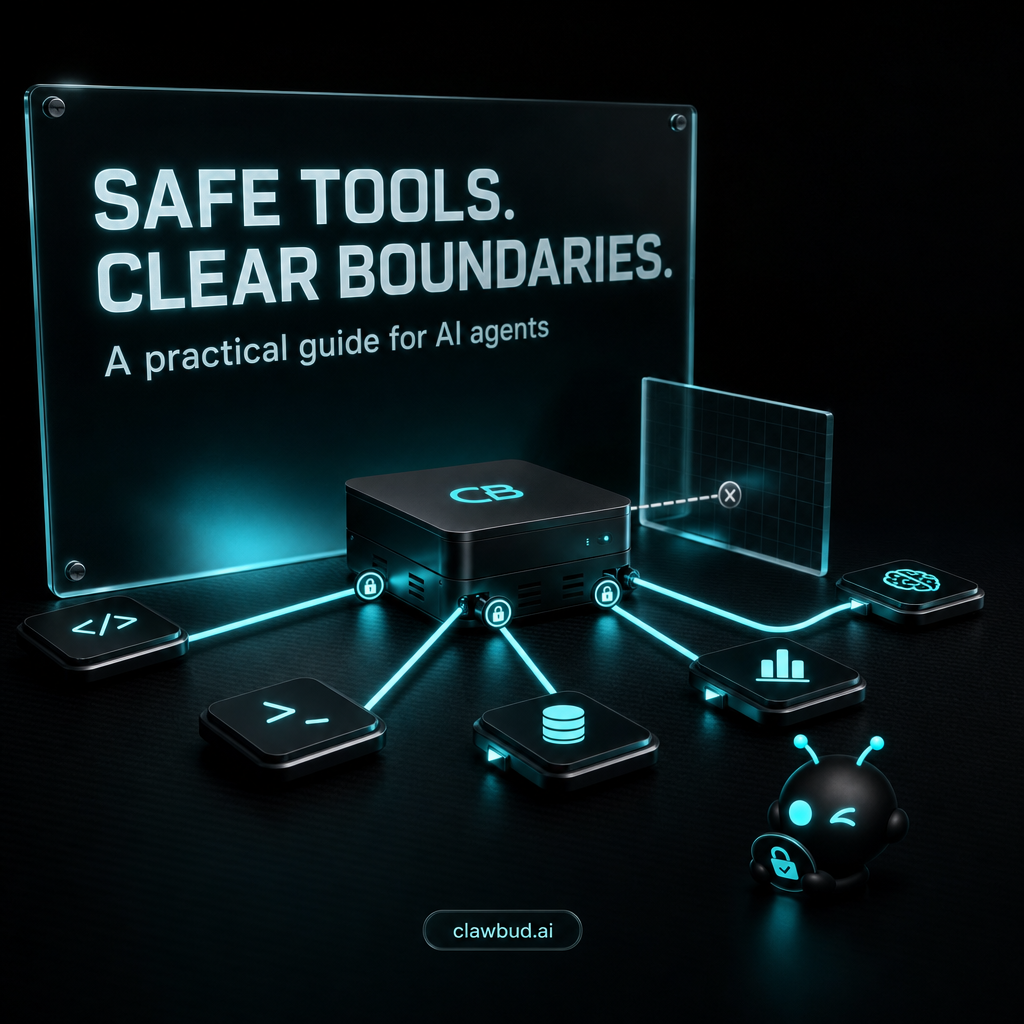
AI agents use tools safely when every tool is treated as a permission, not a convenience. Give the agent the smallest useful tool set, scope credentials to one job, require approval for high-impact actions, isolate execution, verify results outside the model, and log every tool call. Assume instructions from web pages, files, and messages can be hostile even when the underlying tool is legitimate.
Quick answer. Start read-only. Allow writes only after a test proves the workflow, approval boundary, and recovery path. Choose a managed private environment when your team wants runtime isolation and operating support. Choose self-hosting when your security team must control the host, network, packages, and incident process directly.
What does safe tool use mean for an AI agent?
A tool is any capability that lets an agent act outside its language model, such as reading files, browsing websites, querying a CRM, sending a message, running code, or calling an MCP server. Safe tool use means limiting who can trigger the agent, what the tool can reach, what actions can run automatically, and how each result is checked.
OpenClaw's security guidance puts identity first, scope second, and the model last. That ordering matters because the model can be manipulated by untrusted content. The surrounding controls must keep the damage small even when the model makes a bad decision. OpenClaw security documentation
Which controls should you evaluate first?
Use these criteria before choosing a tool, MCP server, agent runtime, or managed provider: trigger identity, permission scope, execution isolation, secret handling, approval rules, result verification, logging, and recovery.
| Control | Best fit | Setup burden | Management | Privacy or security | Integrations | Limitation |
|---|---|---|---|---|---|---|
| Read-only tool access | Research, lookup, and first tests | Low | Review exposed resources and queries | Prevents direct writes but may still expose sensitive data | Works with APIs, databases, files, and MCP | A read can still leak data into logs or model context |
| Scoped write access | Stable internal workflows | Medium | Maintain narrow service accounts and allowed actions | Limits the blast radius of a bad call | Best with APIs that support granular roles | Some services offer coarse permissions only |
| Human approval | Payments, publishing, deletion, and customer contact | Medium | Name an approver and define expiry rules | Stops sensitive actions before execution | Requires a reliable approval channel | Approval fatigue can turn review into rubber-stamping |
| Sandbox or isolated runtime | Code, browser, file, and shell tools | Medium to high | Patch and monitor the boundary | Limits host and filesystem reach | May restrict unsupported binaries or network access | A sandbox does not fix excessive API permissions |
| Fully managed private runtime | Teams that want isolation without running infrastructure | Low for the buyer | Provider owns runtime operations; buyer owns policy | Verify tenant boundary, credential scope, and support access | Depends on provider packaging | Less host-level control than self-hosting |
| Self-hosted runtime | Teams requiring complete infrastructure control | High | Your team owns patches, monitoring, and incidents | Maximum configuration control with matching responsibility | Flexible | Requires real security and operations capacity |
Conditional recommendation: choose scoped tools inside an isolated managed runtime when the goal is safe production use without owning infrastructure. Choose self-hosting when host-level control is mandatory and your team can operate the full stack. Use a local experiment only for non-sensitive test data.
How do you grant tools without granting too much?
Start with the task, not the integration catalog. Write down the exact object the agent must read, the action it must perform, and the evidence that proves completion. Then create a dedicated identity for that job. Avoid personal administrator accounts, broad shared tokens, and credentials reused by several agents.
OpenClaw separates inbound access, tool policy, sandboxing, and execution approvals. Its security audit checks open access combined with tool reach, cross-agent session access, network exposure, browser control exposure, plugins, and policy drift. Run the audit after configuration changes and investigate findings in the context of your threat model. OpenClaw security audit guidance
What is the safest implementation sequence?
1. Restrict who can trigger the agent
Use pairing or allowlists for direct messages and restrict groups or channels where untrusted people can post. A safe tool policy is wasted if anyone on the internet can tell the agent to use it. OpenClaw documents separate DM and group access controls, including allowlists and mention gating. OpenClaw channel security guidance
2. Connect one read-only capability
Expose only the resource needed for the first task. Test with synthetic or non-sensitive data. Confirm the agent cannot browse unrelated records, invoke hidden actions, or discover broader credentials through error messages.
3. Isolate code, browser, and file execution
Use sandboxing or a separate runtime boundary for tools that execute code, manipulate files, or browse untrusted pages. OpenClaw warns that execution approvals are operator guardrails, not hostile multi-tenant isolation. Strong boundaries require sandboxing and host isolation. OpenClaw sandbox and approval guidance
4. Protect authentication flows and tokens
For MCP integrations, validate redirect URIs exactly, keep consent specific to each client, reject token passthrough, and protect against server-side request forgery. These are explicit requirements and risks in the current MCP security guidance. MCP security best practices
5. Put high-impact actions behind approval
Require a named human to approve payments, deletion, public publishing, credential changes, broad exports, and sensitive customer messages. Show the approver the exact target, proposed change, source evidence, and expiry time. “Approve the agent” is too vague to be useful.
6. Verify the external result
Do not treat a confident model response as proof. Query the destination system, inspect the changed record, and use idempotency keys where the API supports them. After a timeout, check whether the action partly succeeded before retrying. This prevents duplicate emails, payments, posts, and records.
7. Log, rehearse failure, and remove unused access
Keep a record of the trigger, agent, tool, arguments, approval, result, and verification. Test revoked credentials, tool outages, malformed output, and partial completion. Remove tools that are no longer used. A dormant administrator token is not a backup plan. It is an incident waiting for a calendar invite.
How should you defend against prompt injection and tool poisoning?
Prompt injection happens when untrusted content tries to redirect the agent's behavior. Tool poisoning happens when a tool description, returned content, or connected server misleads the agent about what an action does. The useful response is containment: treat external content as data, keep system instructions separate, expose fewer tools, scope credentials, and verify sensitive actions independently.
OWASP's current agentic security work covers risks tied to agent goals, tool use, identity, memory, and multi-agent systems. It is a risk framework, not a product certification. Use it to build threat scenarios around your actual workflow rather than copying a checklist and declaring victory. OWASP Top 10 for Agentic Applications
What should you verify before production?
| Check | Pass condition | Failure response |
|---|---|---|
| Trigger identity | Only approved people and systems can start the workflow | Narrow pairing, allowlists, and channel access |
| Tool inventory | Every enabled tool supports a named task | Disable unused tools and plugins |
| Permissions | The agent can finish its job but cannot reach unrelated data | Replace broad credentials with a scoped identity |
| Isolation | Code, browser, and file actions cannot escape the intended boundary | Stop launch and redesign the runtime boundary |
| Approval | Sensitive actions pause with exact details for a named reviewer | Block writes until the approval path works |
| Verification | The destination system confirms one intended result | Add external checks and safe retry logic |
| Recovery | Partial failure can be detected, contained, and resumed safely | Add checkpoints, rollback, or manual repair steps |
| Audit trail | Trigger, tool call, approval, result, and verifier are attributable | Add structured logs before enabling automation |
Where does ClawBud fit?
ClawBud provides a private cloud computer per account. Agents in an account can share its VM, gateway, tools and provider credentials. Separate workspaces and conversations do not by themselves provide a security boundary. Additional managed isolation applies only where it is explicitly enabled.
ClawBud is not the right fit when policy requires deployment inside the buyer's own cloud account, complete control of every host package and network rule, or an internally operated incident process. A self-hosted OpenClaw deployment is the cleaner choice in those cases.
What are the limits of these controls?
No single control makes an agent safe. A sandbox cannot repair an overprivileged CRM token. An approval screen cannot help if it hides the actual action. A private server cannot make an unreviewed plugin trustworthy. Managed infrastructure transfers operating work to a provider, but the buyer still owns data classification, business rules, approver selection, and acceptable risk.
Frequently asked questions
Should an AI agent start with read-only access?
Yes, for most business workflows. Read-only access lets you test identity, data scope, tool selection, output quality, and logging without allowing direct changes. It is not harmless, because sensitive data can still enter model context or logs. Use test data first, then add narrowly scoped writes only after the read path is verified.
Which AI agent actions should always require approval?
Require approval for actions with legal, financial, public, destructive, or privacy impact. Common examples include payments, deletion, public publishing, credential changes, broad data exports, and sensitive customer communication. The reviewer should see the exact target and payload. Approval is useful only when the human can understand what will happen before it happens.
Is sandboxing enough to make tool use safe?
No. Sandboxing limits execution reach, but an agent inside a sandbox may still call an external API with an overpowered token. Combine runtime isolation with scoped identities, network rules, trigger controls, approval gates, and external verification. OpenClaw explicitly describes execution approvals as guardrails rather than a substitute for hostile multi-tenant isolation.
How do I evaluate an MCP server before connecting it?
Review its publisher, source, requested scopes, authentication flow, network destinations, update process, and exposed tools. Test it with a low-privilege account. Confirm exact redirect URI validation, client-specific consent, and no token passthrough where OAuth is involved. Remove the connection if its behavior or ownership cannot be explained clearly.
How do I stop prompt injection from causing tool calls?
You cannot guarantee that the model will ignore every hostile instruction. Reduce the consequence instead. Restrict who can trigger the agent, treat external text as untrusted data, expose only necessary tools, isolate execution, require approval for sensitive actions, and verify results outside the model. Security should survive one bad model decision.
What logs should an AI agent tool call produce?
Record the triggering identity, agent and session, selected tool, sanitized arguments, approval decision, timestamp, returned status, external verification, and retry history. Never put raw secrets in logs. The record should answer who initiated the action, what changed, whether it changed once, and who confirmed the result.
When should a business choose self-hosted OpenClaw?
Choose self-hosting when complete host and network control is mandatory, deployment must stay in your cloud account, or your security team needs to inspect and operate every dependency. It also suits technical experiments where downtime is acceptable. The trade is direct: your team owns installation, patching, monitoring, credentials, backups, and incident recovery.
Quotable facts
- A tool is a permission boundary, not a feature checkbox.
- Safe agent design assumes the model can be manipulated and limits what one bad decision can change.
- A tool call is not complete until the destination system confirms the intended result.
Sources
- OpenClaw tools documentation, checked September 8, 2026
- OpenClaw security documentation, checked September 8, 2026
- MCP security best practices, checked September 8, 2026
- OWASP Top 10 for Agentic Applications, checked September 8, 2026
- ClawBud pricing and product packaging, checked September 8, 2026