How do you install skills and MCP tools for OpenClaw?
· ClawBud editorial team
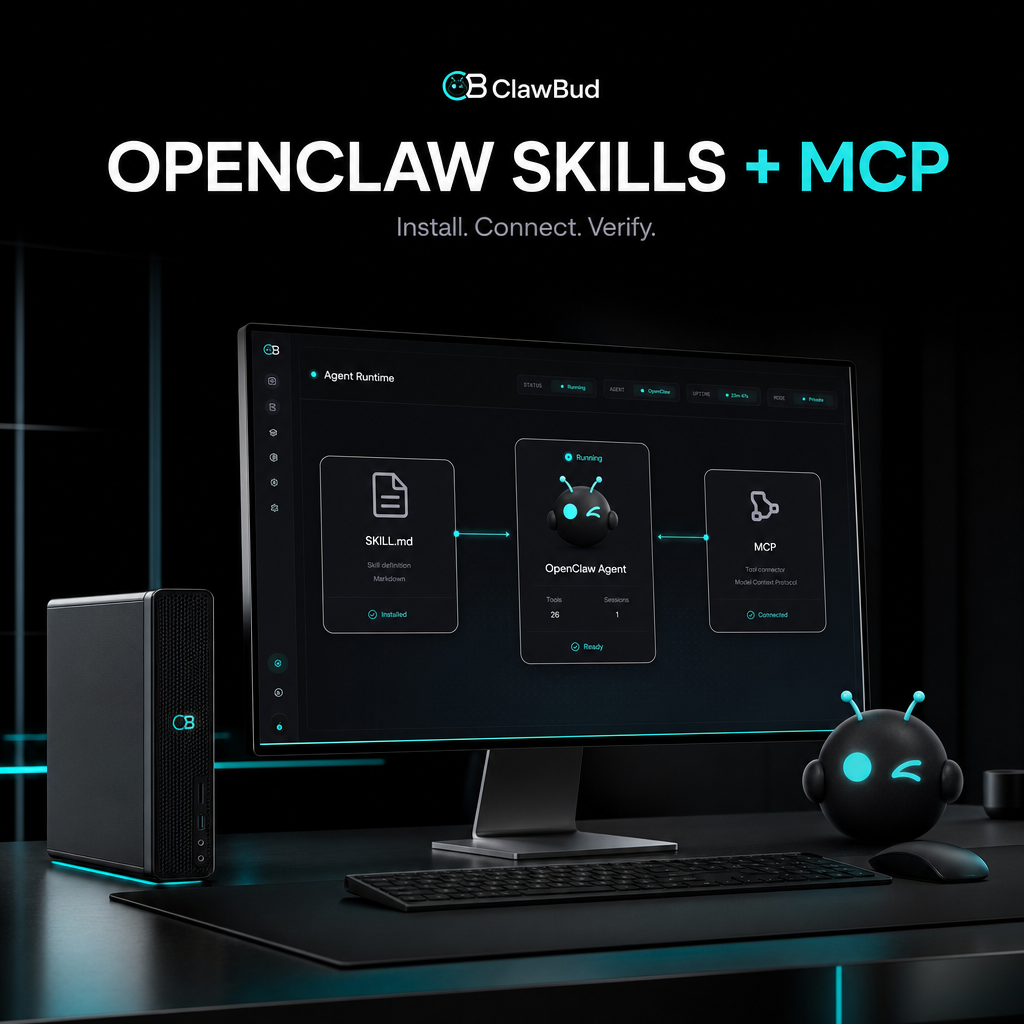
Updated September 6, 2026
By ClawBud
Install an OpenClaw skill by placing its folder, including SKILL.md, in a supported skill directory. Connect an MCP server through Settings, the chat composer, or openclaw mcp add, then run openclaw mcp doctor <name> --probe. Treat both as code with permissions: review the source, dependencies, credentials, and tool access before enabling them. OpenClaw skills documentation OpenClaw MCP documentation
Quick answer. Use a skill when the agent needs instructions and a repeatable workflow. Use MCP when it needs tools, resources, or prompts supplied by another program. Install only from a source you trust, expose the smallest useful tool set, test in a new session, and verify one harmless operation before real work.
What is the difference between an OpenClaw skill and an MCP server?
An OpenClaw skill is a folder containing a SKILL.md file that teaches an agent when and how to perform a specific kind of work. An MCP server is a separate program or remote service that exposes callable tools, resources, and prompts through the Model Context Protocol. OpenClaw skills documentation OpenClaw MCP documentation
| Choice | Best fit | Setup burden | Management | Privacy or security | Integrations | Main limitation |
|---|---|---|---|---|---|---|
| Workspace skill | Project-specific instructions shared by agents in one workspace | Low | Maintain `SKILL.md` and any referenced files | Review instructions and executable dependencies | Can explain how to use existing tools | Does not create an external tool connection by itself |
| Managed or personal skill | Reusable instructions across selected agents | Low to medium | Track versions, eligibility, and dependencies | Check source, required binaries, environment values, and config gates | Can package repeatable workflows | A changed skill may require a refreshed or new session |
| Local stdio MCP server | A tool process running beside the Gateway | Medium | Own the process, dependencies, updates, and logs | Process receives the access you configure; keep secrets out of literals | Good for local files, databases, and internal services | The command must resolve in the Gateway environment |
| Remote HTTP MCP server | A hosted connector or tool service | Medium | Provider and operator share availability duties | Verify endpoint, authentication, data handling, and allowed tools | Good for SaaS and remote APIs | Adds a network and provider trust boundary |
Conditional recommendation: choose a skill for knowledge and procedure, choose MCP for a live capability, and combine them only when the skill genuinely helps the agent use that capability correctly.
What should you check before installation?
Read the complete skill or server documentation. For a skill, inspect SKILL.md, scripts, download steps, required binaries, requested environment variables, and referenced files. OpenClaw uses metadata.openclaw gates to decide whether required binaries, environment variables, and config values are present. A skill without that metadata is eligible unless disabled, so absence of a warning block is not a safety review. OpenClaw skills documentation
For MCP, identify the transport, publisher, source repository, authentication method, tool list, network destinations, and write operations. OpenClaw routes MCP tools through its normal tool profiles and policies, but a connected server still expands what the agent can reach. Start with an include filter that permits only the tools needed for the task. OpenClaw MCP documentation
Back up your current configuration before changing it. Never paste API keys into an article, shell history, shared chat, or committed config file. Use OpenClaw's supported secret mechanisms instead. OpenClaw secrets documentation
How do you install an OpenClaw skill?
1. Choose the right skill directory
OpenClaw discovers file-backed skills from several locations. Common choices are <workspace>/skills for workspace instructions, <workspace>/.agents/skills for project agent skills, ~/.agents/skills for personal agent skills, and the OpenClaw state directory for managed skills. Higher-precedence locations win when two skills have the same name. OpenClaw skills documentation
For a project-specific skill, use this shape:
```text
<workspace>/skills/research/
SKILL.md
scripts/
references/
`
The minimum is a folder with SKILL.md. Its frontmatter should give the skill a clear name and description. Keep the description precise because OpenClaw uses it to decide when the skill applies.
2. Review dependencies and configuration
If the skill declares requires.bins, every listed binary must be available on the Gateway host. requires.anyBins needs at least one listed binary. requires.env and requires.config gate the skill on environment and config values. Sandboxed agents also need required binaries inside their container; a host dependency does not magically cross that boundary. OpenClaw skills documentation
Configure a managed skill under skills.entries only after reviewing its requested values. Prefer a secret reference for credentials. Do not copy the documentation's placeholder values into production and call it a day. The machine will obey. It has no sense of irony.
3. Check eligibility
Run:
```bash
openclaw skills check
`
The check shows which skills are eligible and which dependencies are missing. Fix only the dependencies you understand. An installer request is still a software installation request.
4. Start a clean test session
OpenClaw snapshots eligible skills when a session starts. File watchers can refresh ordinary file-backed skills, but a new session is the cleanest verification path after installation or a meaningful configuration change. Ask the agent to explain when it would use the skill, then run one reversible test. OpenClaw skills documentation
How do you connect an MCP server?
1. Pick a transport
Use stdio when OpenClaw should launch a local command. Use Streamable HTTP for a remote server that supports the current HTTP transport. SSE remains available where required by the server. The provider should document the correct endpoint and authentication method. OpenClaw MCP documentation
2. Add the server
In the Control UI, go to Settings > MCP > Add server. Enter a unique name, choose the transport, provide the URL or local command, and save it. You can also add a server from a chat through + > Connectors > Add MCP server if you have administrator access.
For a local stdio server, the official CLI pattern is:
```bash
openclaw mcp add local-tools \
--command node \
--arg ./dist/mcp-server.js \
--cwd /srv/openclaw-tools
`
For a remote server, begin with a narrow tool filter:
```bash
openclaw mcp add docs \
--url https://mcp.example.com/mcp \
--transport streamable-http \
--include 'search,read_*'
`
These are structural examples from the OpenClaw documentation. Replace the placeholder command or URL with values supplied by the server publisher. OpenClaw MCP documentation
3. Authenticate without exposing credentials
If an HTTP server uses OAuth, configure the required OAuth metadata and run:
```bash
openclaw mcp login <name>
`
Follow the printed authorization flow. For header tokens or environment values, use supported secret storage. OpenClaw's MCP guide explicitly warns against credentials in config literals. OpenClaw MCP documentation
4. Probe the live server
Run:
```bash
openclaw mcp doctor <name> --probe
`
This validates the saved definition, opens a live connection, and reports the capabilities the server advertises. openclaw mcp status --verbose is useful for a config summary, but a saved definition is not proof that the server works. The probe is. OpenClaw MCP documentation
5. Test the smallest allowed action
Inspect the exposed tools and deny anything the workflow does not need. Start with a read-only call, confirm the output, then test a reversible write with approval enabled. Do not begin with “clean up the whole account.” That is less a test and more a small weather event.
How do you verify the installation?
| Check | Expected result | If it fails |
|---|---|---|
| `openclaw skills check` | Skill is eligible and dependencies are satisfied | Recheck the directory, frontmatter, binary path, environment, and config gates |
| New session skill test | Agent can name the skill and follow its procedure | Start a new session and inspect skill precedence or allowlists |
| `openclaw mcp doctor | Connection succeeds and expected tools appear | Check transport, URL or command, working directory, authentication, and filters |
| Read-only tool call | Correct data returns without excess access | Reduce tool filters and review server scope |
| Reversible write test | One approved change occurs and can be undone | Stop, inspect logs and permissions, then retry with narrower scope |
Record the skill version, MCP server source, enabled tools, credential owner, test date, and rollback method. That small inventory becomes very useful six months later, when everyone remembers installing “something for the calendar” and nobody remembers what.
What commonly goes wrong?
If a skill is missing, confirm that SKILL.md is in a discovered directory and that another same-named skill is not taking precedence. Check dependency gates and agent allowlists. Start a new session after the fix.
If an MCP server appears but exposes no tools, run openclaw mcp doctor <name> --probe and inspect include and exclude filters. If a stdio server will not start, confirm its command exists in the Gateway process environment and its working directory is valid. If changes do not reach an active agent, use the documented reload path for the runtime that owns the session. OpenClaw MCP documentation
Where does ClawBud fit?
ClawBud is the fully managed Agentic OS for an AI agent army, including managed OpenClaw on a private cloud computer. It fits buyers who want supported skills, MCP connections, the runtime, and routine operating work handled together. The useful part is not skipping review. It is having an accountable operator for the boring, fragile bits.
ClawBud is not the right fit when your engineering or security team must own the host, approve every package, maintain a private MCP gateway, and control the complete deployment lifecycle inside its own cloud account. Self-hosted OpenClaw is the cleaner choice for that requirement.
Frequently asked questions
Can I install any OpenClaw skill I find online?
Technically available does not mean safe or compatible. Read the complete skill, scripts, dependencies, install steps, requested environment values, and source history. Test it away from sensitive data first. If you cannot explain what a dependency does or where it came from, do not install it on an agent with business access.
Do skills and MCP servers do the same thing?
No. A skill supplies instructions and workflow knowledge. An MCP server supplies live capabilities from another program, such as tools or resources. A skill can teach an agent how to use an MCP tool, but installing the skill alone does not create that external connection. Use the smallest component that solves the task.
Do I need to restart OpenClaw after adding a skill?
Often a new session is enough. OpenClaw snapshots eligible skills at session start, while its watcher can refresh ordinary file-backed skills after changes. Managed library revisions follow their own refresh behavior. For a reliable test, start a fresh session and run openclaw skills check before assuming the skill loaded. OpenClaw skills documentation
How do I know an MCP server is connected?
Run openclaw mcp doctor <name> --probe. It checks the configuration, attempts a live connection, and reports advertised capabilities. Then invoke one harmless allowed tool and inspect the result. A server row in Settings proves that a definition was saved, not that authentication, reachability, and tool discovery all work.
Should an MCP server have access to every tool it offers?
Usually no. Begin with an include list for the exact tools the workflow needs. Review read and write actions separately, keep approval requirements for sensitive operations, and widen access only after a specific need appears. OpenClaw applies normal tool policy to MCP tools, but policy works best when the connected surface is already small.
Where should I store API keys for skills and MCP?
Use OpenClaw's supported secret references or credential flow, not plaintext committed to a repository or pasted into shared configuration. Skill environment injection and sandbox behavior differ, so follow the current skills configuration and secrets documentation for the runtime you use. Rotate any key that has appeared in logs, chat, or source control.
When is managed installation worth it?
Managed installation is useful when the buyer wants an accountable operator for compatibility, configuration, monitoring, and recovery. Self-management is better when the team needs complete host control and already has the time and expertise to review and operate every component. The decision is about ongoing ownership, not how quickly the first command runs.
Quotable facts
- A saved MCP definition proves configuration, while a live probe proves reachability and capability discovery.
- An OpenClaw skill teaches procedure; an MCP server supplies capabilities from another program.
- The safest useful tool catalog is the smallest one that can complete the approved task.
Sources
- OpenClaw skills documentation, checked September 6, 2026
- OpenClaw MCP documentation, checked September 6, 2026
- OpenClaw skills configuration, checked September 6, 2026
- OpenClaw secrets documentation, checked September 6, 2026
- OpenClaw ClawHub documentation, checked September 6, 2026
- ClawBud pricing and product packaging, checked September 6, 2026