GitHub's latest push from one off prompts toward custom agent workflows says the quiet part out loud: the serious AI agent market is moving past chat.
That is good news. It is also where things get messy.
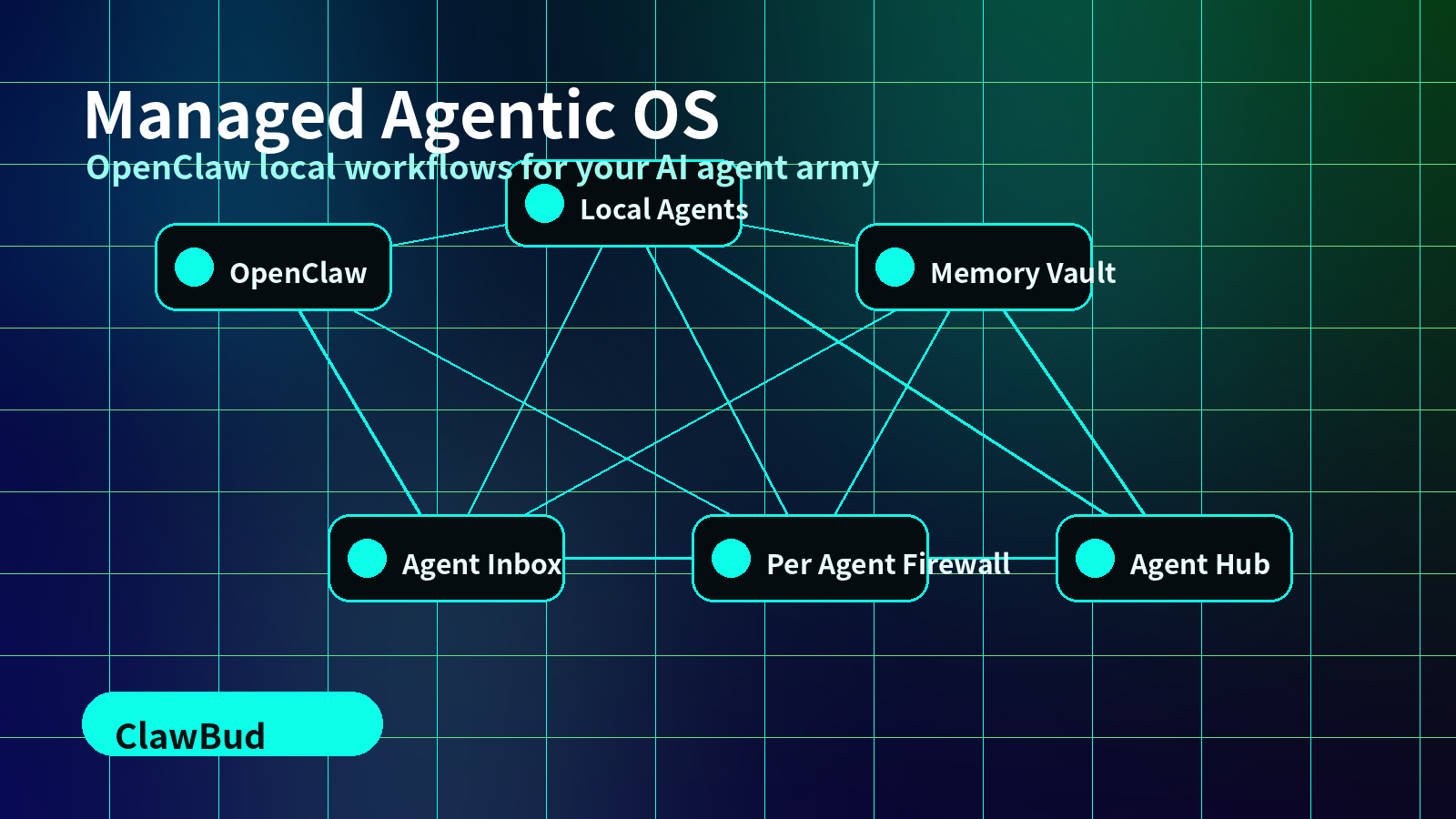
Once agents can plan, touch files, use tools, browse, ask for approval, hand off work, and continue later, you are no longer managing a smarter chatbot. You are managing an operating layer. That is why ClawBud exists: a fully managed Agentic OS for your AI agent army, built around OpenClaw, local agents, private cloud computers, memory, inboxes, integrations, and real boundaries.
The agent shift is not about better prompts
The old AI workflow was simple: open a chat window, ask for something, copy the answer somewhere useful, repeat until bored or annoyed.
The new workflow looks different. A developer wants Codex or Claude Code to continue work from a previous session. A founder wants a research agent to read pages and save decisions. A support lead wants an agent to inspect a customer thread, draft a reply, and wait before sending.
That is not prompt engineering. That is work orchestration.
OpenClaw is powerful because it gives agents a real workspace with browser control, tools, files, skills, memory, and automation. But the moment OpenClaw becomes part of daily operations, teams need more than a raw agent runtime. They need the boring, important layer around it: identity, permissions, history, shared memory, approvals, and recovery when something goes sideways.
Local agents are back for a reason
Cloud agents are great when the task needs uptime and a persistent place to run. Local agents matter when the work lives on a person's machine: code, design files, internal notes, local tools, or a half finished branch.
ClawBud's desktop direction is not just a nicer launcher. The goal is to let users continue development from everywhere: private cloud computer, local machine, browser, phone, or desktop app, while keeping one shared operating layer around the work.
That means local Codex, local Claude Code, Hermes Agent, and OpenClaw should not feel like separate islands. They should feel like members of one agent army, with the same memory, approvals, tool access, and handoff rules.
The missing layer: memory that humans can inspect
Every useful agent eventually hits the same wall: it forgets what matters, remembers the wrong thing, or buries context where humans cannot fix it.
ClawBud treats memory as infrastructure, not decoration.
The OpenClaw Memory Vault gives agents a durable knowledge layer. Hermes Vault gives Hermes Agent its own structured memory. Shared vault merge is the next part of the puzzle: let different agents work from their own context, then merge what matters into a shared source of truth.
Run more than one agent and the problem appears fast. One writes code. Another researches competitors. Another handles email drafts. If each one keeps isolated memory, the team turns into an archaeology project. If memory is inspectable and shared, the agent army starts compounding.
Agent work needs an inbox
Most businesses still run through inboxes. Not because inboxes are elegant. They are not. But customers, suppliers, leads, invoices, approvals, and random urgent nonsense still arrive there.
This is why Agent Inbox and MailOS matter inside ClawBud. An AI agent that can draft a perfect email but cannot see the relevant customer history is guessing politely. The right setup is simple: let agents read context, draft the next step, route sensitive actions for approval, and keep the thread attached to the work.
That is what a managed Agentic OS gives OpenClaw: not just tool access, but a safe pattern for business communication. The built-in CRM and Business Room push this further. Agents should know who the customer is, what was promised, and what still needs a human decision.
The model layer is getting bigger, not simpler
MiniMax M3, GPT-5.5, Claude Opus, and the next wave of models make one thing obvious: no serious team will run one model for every job.
Some tasks need huge context. Some need careful reasoning. Some need fast cheap background work. Some need coding skill. Some need a model that can keep going through a messy operational task without losing the plot.
ClawBud is built for that reality. Model choice belongs inside the operating layer, not scattered across random tabs and scripts. Hermes Agent is a core pillar here because it can sit inside the broader agent stack instead of pretending to replace every other tool. OpenClaw gives the agent workspace. ClawBud wraps the workspace with routing, memory, approvals, integrations, and the private cloud computer that keeps it running.
Boundaries matter when agents get real tools
Once an agent can browse, call integrations, write files, inspect inboxes, and touch business workflows, security stops being a checkbox.
ClawBud's per-agent firewall model is built for this stage. Each agent should have clear boundaries. A research agent does not need the same access as a billing agent. A local coding agent should not automatically inherit customer communication permissions. A social media agent should not touch finance context.
That separation is easier when each customer gets a private cloud computer and a managed OpenClaw environment. You get persistence without turning everything into a shared black box.
What ClawBud is building around OpenClaw
ClawBud is positioning OpenClaw as the work engine inside a managed Agentic OS. The product direction is practical:
- Desktop app: continue agent work from local or cloud environments.
- Local agents: connect local Codex, Claude Code, and other tools to the same operating layer.
- Agent Hub: install useful agents in one click instead of rebuilding setup every time.
- 1-click integrations: connect tools without turning every customer into a DevOps project.
- OpenClaw Memory Vault and Hermes Vault: make agent memory durable, visible, and reusable.
- Agent Inbox and MailOS: bring business communication into the agent workflow with approval paths.
- Built-in CRM and Business Room: give agents business context before they act.
- ClawPet: make the agent army feel alive, visible, and easier to understand.
- Per-agent firewall: keep permissions tight as agents become more capable.
Start with one workflow, not a giant migration
The best way to adopt agent workflows is not to automate the whole company on day one. That is how teams create expensive chaos with a nice dashboard.
Start with one workflow:
- Turn support threads into approved replies.
- Turn research into a living memory vault.
- Turn code tasks into local and cloud handoffs.
- Turn lead follow-up into CRM aware drafts.
- Turn content production into a repeatable agent pipeline.
Then add agents when the operating layer can handle them. That is the point of ClawBud: a managed Agentic OS where OpenClaw, Hermes Agent, local agents, memory, inboxes, integrations, and approvals work together on a private cloud computer.
If your team is ready to move from prompts to real agent workflows, start with ClawBud at clawbud.ai, explore pricing, and connect your first tools through integrations.
FAQs
What is ClawBud?
ClawBud is a fully managed Agentic OS for running OpenClaw and an AI agent army on a private cloud computer, with memory, integrations, approvals, and per-agent boundaries.
How is ClawBud different from using OpenClaw alone?
OpenClaw gives agents a strong workspace. ClawBud adds the managed layer around it: setup, memory vaults, agent installs, inbox workflows, CRM context, integrations, and operational controls.
Does ClawBud support local agents?
Yes. ClawBud's desktop and local agent direction is built so teams can connect local tools like Codex or Claude Code to the same broader agent workflow.
What is the OpenClaw Memory Vault?
The OpenClaw Memory Vault is the durable knowledge layer for agents. It helps teams keep useful context visible, reusable, and easier to merge across agents.
Why does an AI agent army need per-agent firewall controls?
Different agents need different permissions. Per-agent firewall controls help keep research, code, inbox, CRM, and business workflows separated instead of giving every agent broad access.