Most teams still think about AI agents like chat windows with better tools. Ask a question, get an answer, copy it somewhere else, repeat until the work is done or your patience runs out.
OpenClaw changes the shape of the problem. Once an agent can use tools, browse the web, remember context, touch files, run workflows, install skills, and coordinate with other agents, it needs a place to live.
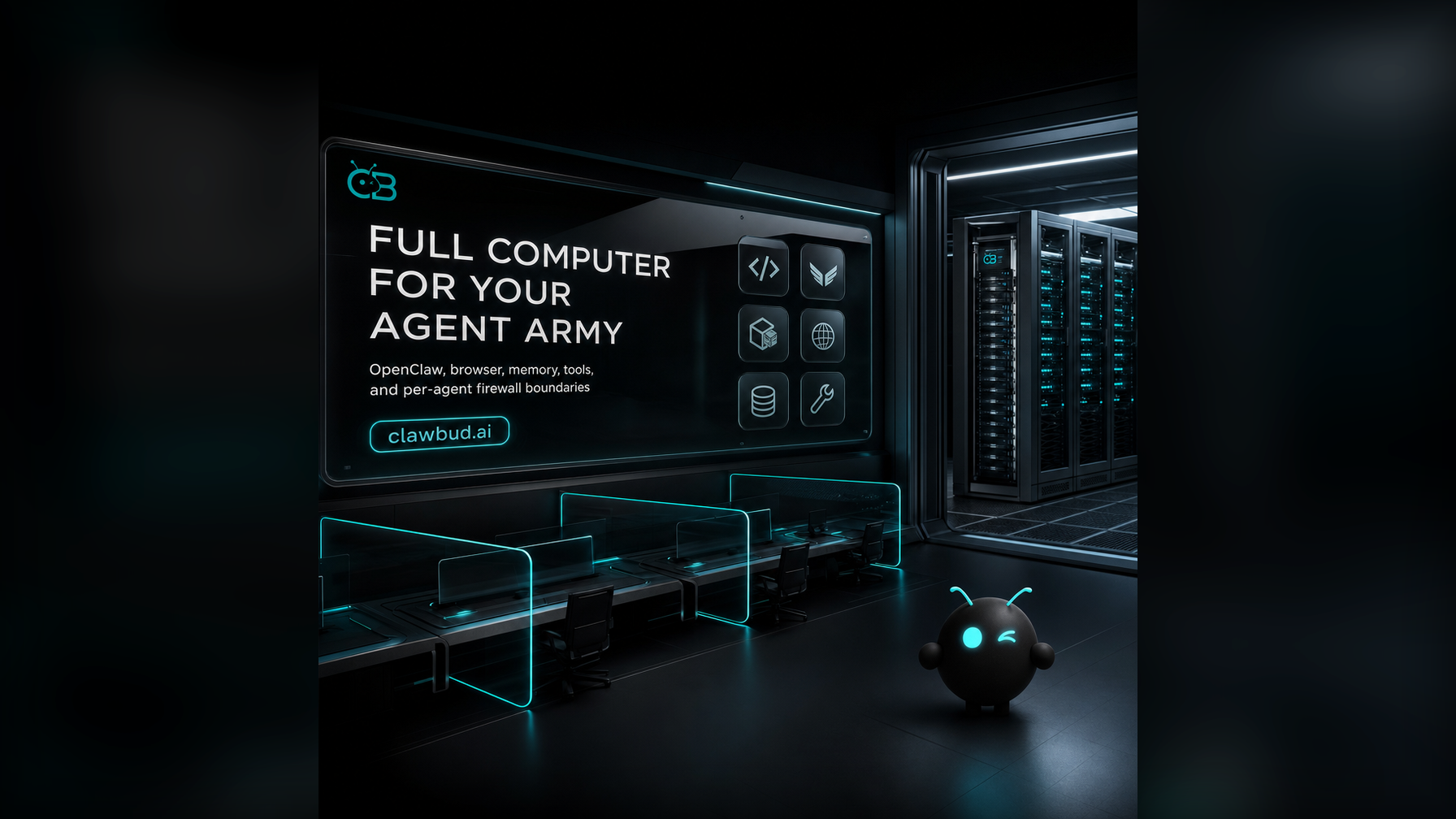
That is the reason ClawBud is built around a full private cloud computer for every customer. Not a chatbot. Not a shared container. A full computer, a real army of agents, and a per-agent firewall, all yours, deployed in one click.
The container model was built for simpler software
Shared containers are useful when the job is small and predictable. Run a function. Call an API. Generate a response. Shut it down.
Autonomous agents are different.
An OpenClaw agent might need persistent memory, browser state, files, credentials, integrations, terminals, background routines, approvals, and a secure path into business systems. A code agent might need a repo, a terminal, and a build command. Hermes might coordinate multi-step work across channels. Space Agent might need a real browser workspace. CRM specialists might need structured access to contacts, tasks, deals, and notes.
Those jobs do not feel like stateless functions. They feel like a small operating team.
A shared container can run code. A full computer can host a working environment. The business impact is plain: agents become more useful when they can keep context, reuse tools, and operate inside clear boundaries.
Code agents are not the same as autonomous agents
Codex, Claude Code, Gemini CLI, and OpenCode are code agents or coding CLIs. They are great when the mission is inside a codebase: inspect files, make changes, run tests, explain a bug, or draft a patch.
Autonomous agents are broader. OpenClaw and Hermes are built for ongoing work across tools, channels, browser sessions, memory, workflows, and business operations. They can take a task, break it into steps, use external tools, and keep moving without turning every action into a chat reply.
You want both.
A serious agent army needs code agents for software work and autonomous agents for operating work. The mistake is pretending one category replaces the other. A coding CLI is not your sales ops agent. A chatbot is not your browser worker. A single OpenClaw runtime without a proper environment is powerful, but it is not yet an army.
ClawBud puts these pieces together as an Agentic OS: OpenClaw, Hermes, Codex, Claude Code, Nemo Claw, Automaton, DeerFlow 2.0, Space Agent, skills, MCP, integrations, browser access, CRM, Business Room, and managed support.
Why a full computer changes the agent experience
A full private cloud computer gives your agents a stable home. The agent is not treated like a temporary process that appears for one request and disappears. It can work with files, browser sessions, connected tools, scheduled routines, memory, and a controlled operating environment.
For OpenClaw, useful work usually crosses boundaries:
- A browser session for research or web apps
- Files for drafts, reports, exports, screenshots, and code
- Memory so the agent can reuse context instead of starting cold
- Integrations for Telegram, WhatsApp, Discord, email, and business tools
- Skills and MCP so capabilities can be added in clicks
- Approvals and logs so work stays visible
- Agent orchestration so one agent can hand work to another
That is hard to make natural in a tiny shared box. It is easier when the customer has a dedicated computer with the agent stack already assembled. ClawBud packages the operating layer so the army is ready in clicks.
The per-agent firewall is not a marketing decoration
Once agents can act, boundaries matter. A read-only research agent should not have the same network reach as a billing agent. A code agent should not casually touch production systems. A browser worker should not share every permission with every other agent in the fleet.
ClawBud uses per-agent firewall boundaries as part of the product model. The idea is simple: give each agent the access it needs, then keep the walls real.
When an agent can browse, call tools, write files, message people, or interact with business systems, security cannot be an afterthought. A dedicated computer with per-agent firewall boundaries gives the owner a cleaner mental model: this is my environment, these are my agents, and these are their boundaries.
OpenClaw needs an operating layer, not just hosting
OpenClaw is one of the core runtimes inside ClawBud, but ClawBud is not merely OpenClaw hosting.
Hosting answers one narrow question: where does the software run?
An Agentic OS answers a bigger question: where does the work happen?
That includes the runtime, but also channels, browser access, memory, skills, MCP, files, approvals, CRM, Business Room, orchestration, model access, support, and security boundaries. It is the difference between renting an empty room and walking into a command center that is already wired.
This is why the agent army framing matters. Businesses need specialized agents that can work together: a coding agent, a research agent, a CRM agent, a browser agent, and a workflow agent.
Where this fits in ClawBud pricing
ClawBud starts with BYOK, then Starter, Pro, and Business for teams that want the computer, agent, and AI included. Every plan is built around the same belief: your OpenClaw stack should run in a private cloud computer, not in a shared container with vague ownership.
For the plan breakdown, see ClawBud pricing. For the product layer, start from ClawBud itself: your own cloud-native agent army.
The real shift: from prompt tool to working system
The last few years trained people to judge AI by the answer in the chat box. That is too small now.
The better question is what the agent can do after the answer. Can it open a browser? Use the right skill? Remember the business context? Work with another agent? Respect boundaries? Keep a record? Continue later? Touch the CRM? Ask for approval before a risky step?
That is the shift from chatbot to agent army.
A chatbot can talk about work. An agent army can start doing it.
ClawBud exists for that second world: OpenClaw and the rest of the agent fleet running together on a private cloud computer, with one-click setup, real browser access, dedicated firewall boundaries, and a managed operating layer around the whole thing.
If you are still testing agents in a shared sandbox, that is fine for experiments. But when the work becomes real, the environment has to become real too.
FAQs
Is ClawBud just OpenClaw hosting?
No. OpenClaw is a core runtime inside ClawBud, but ClawBud is the managed Agentic OS around it. That includes Hermes, code agents, browser access, memory, skills, MCP, CRM, Business Room, orchestration, support, and per-agent firewall boundaries.
Why not use a shared container for OpenClaw agents?
Shared containers are fine for small tasks, but autonomous agents need persistence, tools, files, browser state, memory, integrations, and boundaries. A private cloud computer gives the agent army a stable operating environment.
What is the difference between Codex or Claude Code and OpenClaw?
Codex and Claude Code are code agents or coding CLIs. They are strongest inside software projects. OpenClaw is an autonomous agent runtime for broader work across tools, channels, workflows, memory, and browser use.
What does per-agent firewall mean?
It means agents can have separate network boundaries instead of sharing one loose permission model. A research agent, coding agent, and business operations agent should not automatically have the same access.
Does ClawBud require technical setup?
No. ClawBud is designed around one-click setup and managed operation. The goal is to give customers a ready agent army without making them install packages, configure servers, or assemble the stack alone.
Where should I start?
Start at clawbud.ai. Pick the plan that matches your workload, connect your channels and tools, then begin building your OpenClaw agent army inside your own private cloud computer.
Start with ClawBud
If you want OpenClaw to do real work, give it a real home.
ClawBud gives you your own cloud-native agent army: a full private cloud computer, OpenClaw, Hermes, code agents, browser access, memory, skills, CRM, per-agent firewall boundaries, and one-click setup.
Start here: https://clawbud.ai